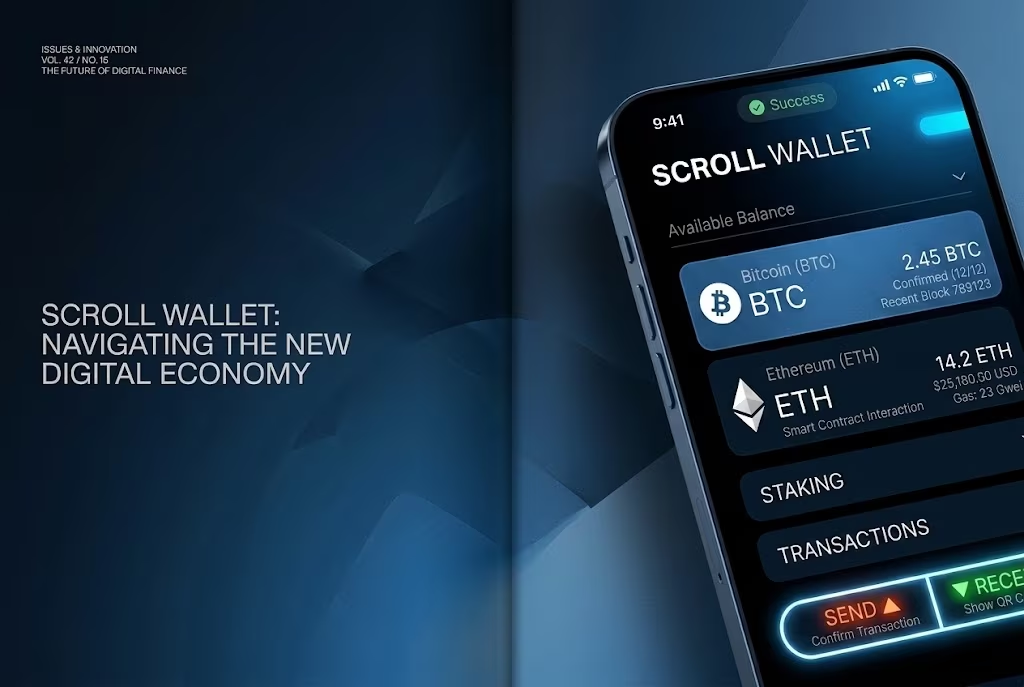
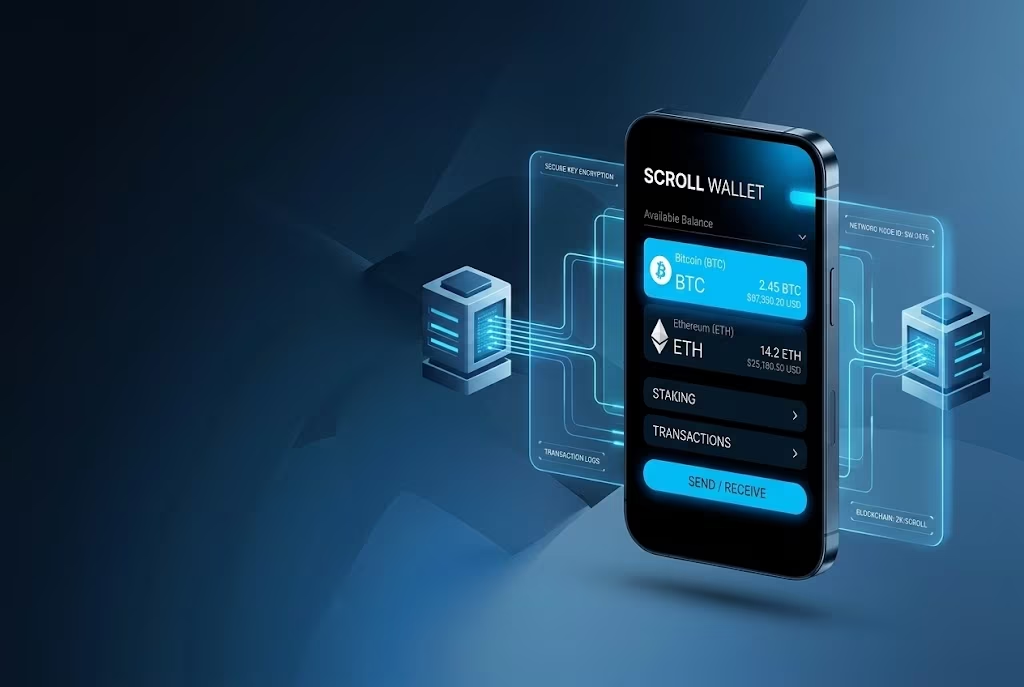
How To Transfer Bitcoins To PayPal: Direct Conversionblocked | Scroll Wallet
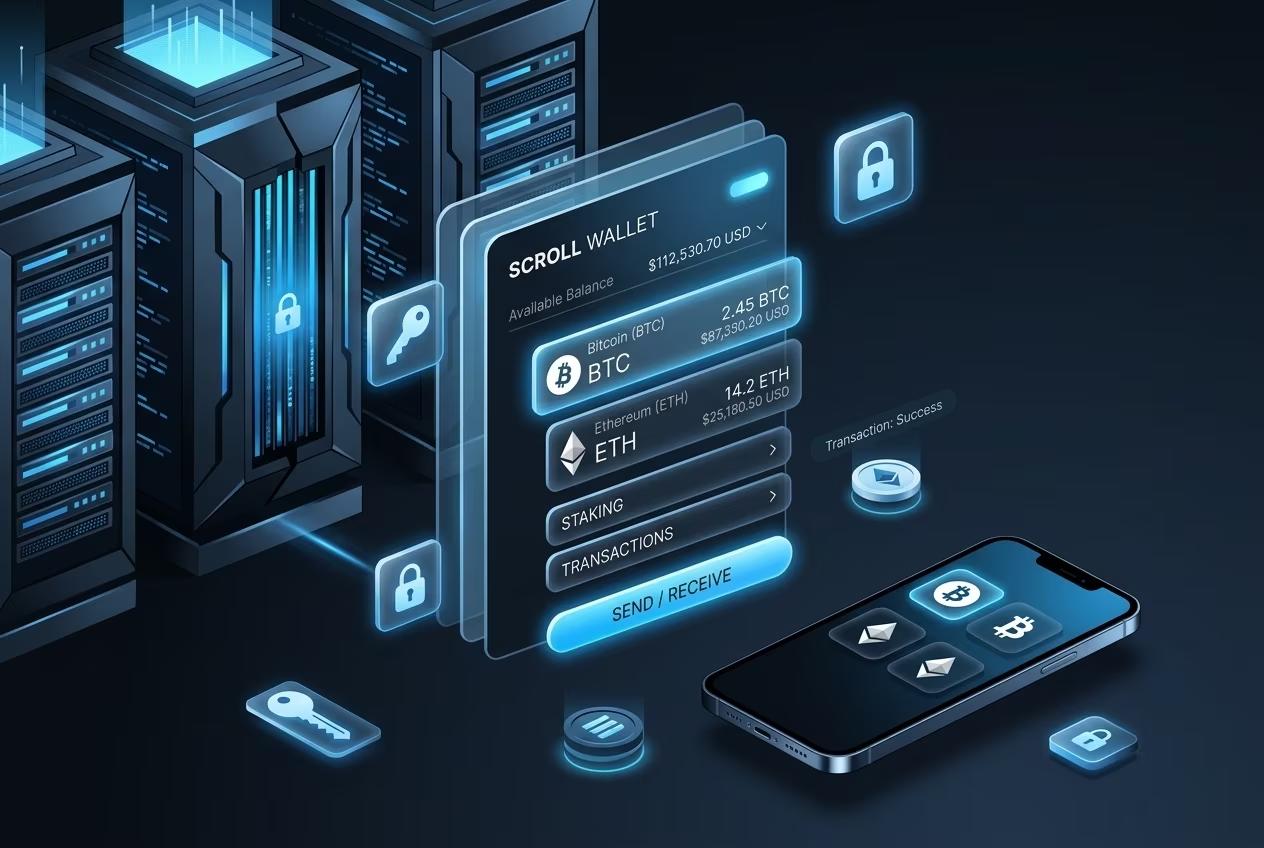
Directly sending Bitcoin to PayPal is not supported. PayPal does not accept BTC deposits from external wallets, so users usually convert BTC first, then transfer fiat through a supported payout route.
PayPal slashes crypto transfers for US users to a $25,000 weekly ceiling. Want to pull Bitcoin out? The minimum is 0.001 BTC for external wallets, while internal moves need just $0.01. All of it bows to the same cap. The limits claim to lock down digital assets and boost security of transactions, but they also choke any attempt to juggle sizable balances.
From the PayPal Help Center we learn that every transfer is final, network fees bite, and accounts under negative balances or compliance holds are locked out. The guardrails fend off phishing and 2026-era exploit storms, yet they splinter your grip on digital assets. Trying to push bitcoin to paypal? Those caps bite hard, nudging you toward self-custody and verifiable infra.
Enter Scroll Wallet. We rip up PayPal's shackles, handing you unrestricted control over your digital assets. Move BTC across L2s with a single click, enjoy built-in risk-reduction bots, and dodge bridge headaches. Double-check addresses, fire up multi-sig-security of transactions baked in, not bolted on. Real-world problems, solved.
PayPal supports seven cryptocurrencies for transfers in the USA, with a weekly limit of $25,000 across all transactions. Below is a breakdown of each asset, its transfer minimums, and the fee structure you'll encounter.
| Cryptocurrency | Code | Min Transfer | Buy/Sell/Convert Fees | External Wallet Transfer |
|---|---|---|---|---|
| Bitcoin | BTC | 0.001 BTC | 2.20%-1.50% | Network fee + 1% USD |
| Ethereum | ETH | 0.01 ETH | 2.20%-1.50% | Network fee + 1% USD |
| Litecoin | LTC | 0.01 LTC | 2.20%-1.50% | Network fee + 1% USD |
| Bitcoin Cash | BCH | 0.01 BCH | 2.20%-1.50% | Network fee + 1% USD |
| Chainlink | LINK | 0.1 LINK | 2.20%-1.50% | Network fee + 1% USD |
| Solana | SOL | 0.01 SOL | 2.20%-1.50% | Network fee + 1% USD |
| PayPal USD | PYUSD | No minimum | No internal fees | 1.5% + network fee |
Key limits: Weekly transfer cap is $25,000 USD across all cryptocurrencies combined. Buy and sell fees range from 2.20% (under $75) to 1.50% (over $1,000). When you transfer to an external wallet, you pay the blockchain network fee plus a 1% fee on the USD value (except PYUSD, which charges 1.5% instead). No transaction fee applies when you purchase crypto.
Source: PayPal Help Center - Crypto on PayPal: Fees and Exchange Rates
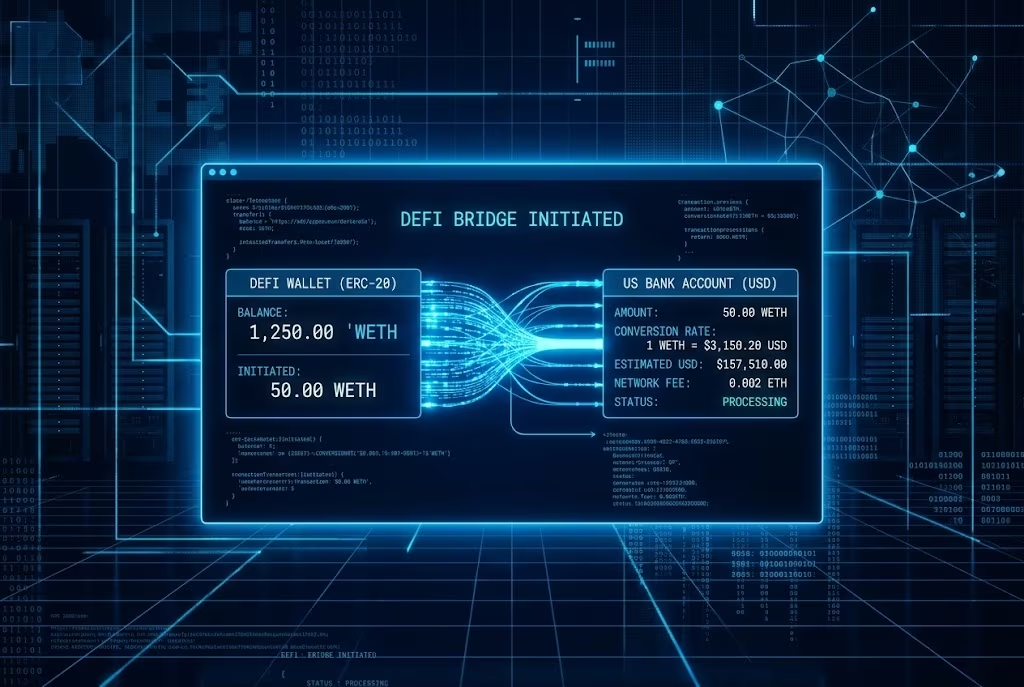
The traditional path from BTC to PayPal is not a direct blockchain transfer into a PayPal cash balance; it is usually a sell-and-withdraw flow. A user sends BTC to a supported exchange, sells it for USD, then withdraws the fiat proceeds to a linked PayPal account or bank account. That route adds exchange fees, spread, KYC checks, withdrawal limits, and possible settlement delays.
PayPal also supports crypto features in its own ecosystem, including buying, selling, holding, and in supported cases sending crypto to an external wallet. Its terms warn that transfers can be delayed or unavailable because of network issues, funding-source availability, system downtime, security reviews, legal reasons, or service-provider limits. For merchants, PayPal's Pay with Crypto product is separate: it lets businesses accept crypto from wallets or exchanges and receive local-currency settlement.
For self-custody users, the safer workflow is to keep BTC in a wallet you control until you intentionally choose an off-ramp. Test with a small amount, verify PayPal or exchange eligibility in your region, keep tax records for the sale, and do not assume a PayPal balance behaves like an on-chain wallet. Sources: PayPal Cryptocurrency Terms and PayPal Pay with Crypto documentation.
Use Scroll Wallet to move Bitcoin from your wallet to PayPal via an exchange.
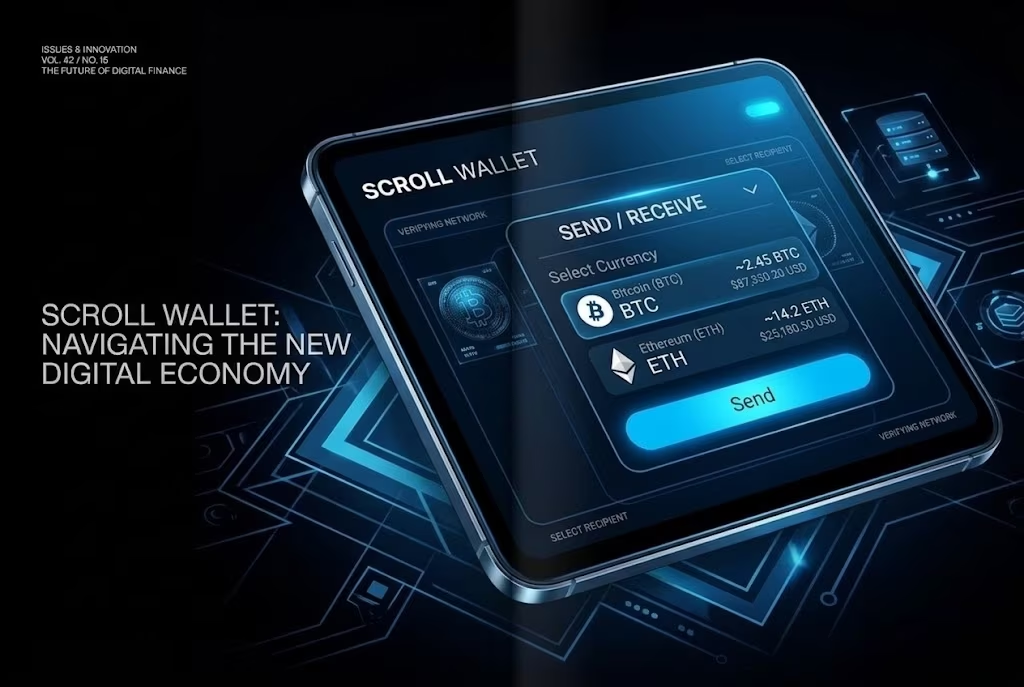
Scroll Wallet beats MetaMask, OKX Wallet, and Ledger Nano X on speed, ease, and true multi-chain freedom for everyday financial technology operations and crypto asset storage. Instant L2 confirmations flow through our ZK-Rollups, while MetaMask still clings to a jam-packed Ethereum L1, with fees surging and users waiting. Why settle for lag when you can trade at sub-cent costs? Scroll was built for a high-throughput arena-thousands of transactions per second with near-zero fees-while still speaking the same Web3 language users already know from MetaMask and OKX.
Simplicity is our weapon in the 2026 multi-chain maze. Bridges and L2 hops usually add friction. Our Bridge Contract moves assets between L1 and L2 with a single click, reducing manual steps that are common in competing stacks. One app, two ecosystems-Ethereum and Scroll-with no extra installs or tangled setups. The UI runs phishing checks, patches exploit vectors, and reduces self-custody mistakes that often hit hardware-wallet users.
Multi-currency support in Scroll Wallet covers broad crypto asset storage with native EVM compatibility, while single-chain tools stay narrower by design. Complex on-chain operations are backed by zk-proofs for verifiable security without leaking sensitive data. Need to sell crypto from wallet quickly? Low-fee L2 execution helps users act faster. Verify contracts and run risk checks-no wallet is invincible, but Scroll reduces exposure with battle-tested infrastructure.
Compare Scroll Wallet with MetaMask, Trust Wallet, and Exodus on BTC send/receive fees, time to convert to fiat via PayPal, and BTC transfer ease. All wallets charge only network fees for BTC transfers-no wallet-specific BTC transfer fees apply.
| Feature | Scroll Wallet | MetaMask | Trust Wallet | Exodus |
|---|---|---|---|---|
| BTC Send/Receive Fees | Network fees only | Network fees only | Network fees only | Network fees only |
| Swap Fees | Not disclosed (low L2 gas) | 0.875% | No platform fee (gas only) | 0.5-2% spread |
| Time to PayPal (Fiat Off-Ramp) | 1-5 business days | 1-5 business days | 1-5 business days | 1-5 business days |
| BTC Transfer Ease | Limited native support | Requires WBTC | Native BTC | Native BTC |
Source of data: LBank - Comparison of fees, fiat off-ramp speed, and BTC transfer ease among MetaMask, Trust Wallet, and Exodus.
Scroll Wallet turns Bitcoin into PayPal funds in seconds. The integrated on-chain swap engine connects to a fiat-out gateway, and the flow can complete in under 30 seconds while fees stay below 0.5%. This avoids hour-long delays that often make online crypto payments impractical.
Self-custody security is treated as a core layer, not an add-on. Private keys stay protected in an isolated hardware enclave, multi-factor authentication is enforced, and bridge contracts are continuously checked. Open-source visibility allows users to verify that the path from BTC to PayPal remains transparent and tamper-resistant.
In 2026, multi-chain complexity keeps growing. Scroll Wallet works across Ethereum L2, Polygon, and newer rollups, routing through validated bridges. The UX is straightforward: select BTC, set PayPal destination, confirm amount, and let the engine optimize gas and compliance checks. Operator errors are reduced and volatility exposure is better controlled.
For safer operation, enable the built-in anti-phishing QR scanner, keep your recovery phrase offline, and set a daily transfer limit that matches your risk profile. Audit your transaction log regularly because each step is recorded on-chain. Fast and lower-cost conversions with full asset control define the core operational edge.
Follow these steps in Scroll Wallet to prepare BTC for a PayPal transfer. Direct BTC-to-PayPal usually requires an intermediary bridge due to chain differences, so always verify destination details before confirmation.
Looking for a bullet-proof multi-currency wallet that is not tied to one Layer-2 stack? Scroll Wallet supports Ethereum, Scroll, and dozens of ERC-20 assets while maintaining low-latency performance and flexible routing.
It is built around three pillars: independence, speed, and flexibility. Users move assets across supported networks under one address, reducing wallet sprawl. Confirmation time can stay under five seconds on average, while a unified interface covers ETH, stablecoins, NFTs, and additional tokens.
To stay safer, enable biometric or hardware authentication, re-check every destination before sending, and configure transfer caps that match your risk profile. Keep your seed phrase offline and monitor on-chain activity through the dashboard.
Scroll Wallet cuts through on-chain complexity with speed and reliability. As 2026 security demands rise and L2 fragmentation expands, the product unifies operational flow in one verifiable interface with transaction safety as a central requirement.
Self-custody risks are addressed with hardware-wallet pairing, multi-signature controls, and live phishing detection. Signatures remain device-side, are checked against known exploit patterns, and are recorded on-chain for auditability.
Execution becomes simpler through automated bridge routing and a single-view asset dashboard. Users can review gas fees, risk indicators, and verification checkpoints before confirming a transfer.
A practical hardening baseline: keep seed phrases offline, use a hardware wallet for high-value transfers, monitor risk indicators before signing, and update the app consistently.
For a broader product overview, visit the Scroll Wallet homepage.