Fastest Way To Send Crypto Via Scroll Wallet L2 Solution | Scroll Wallet
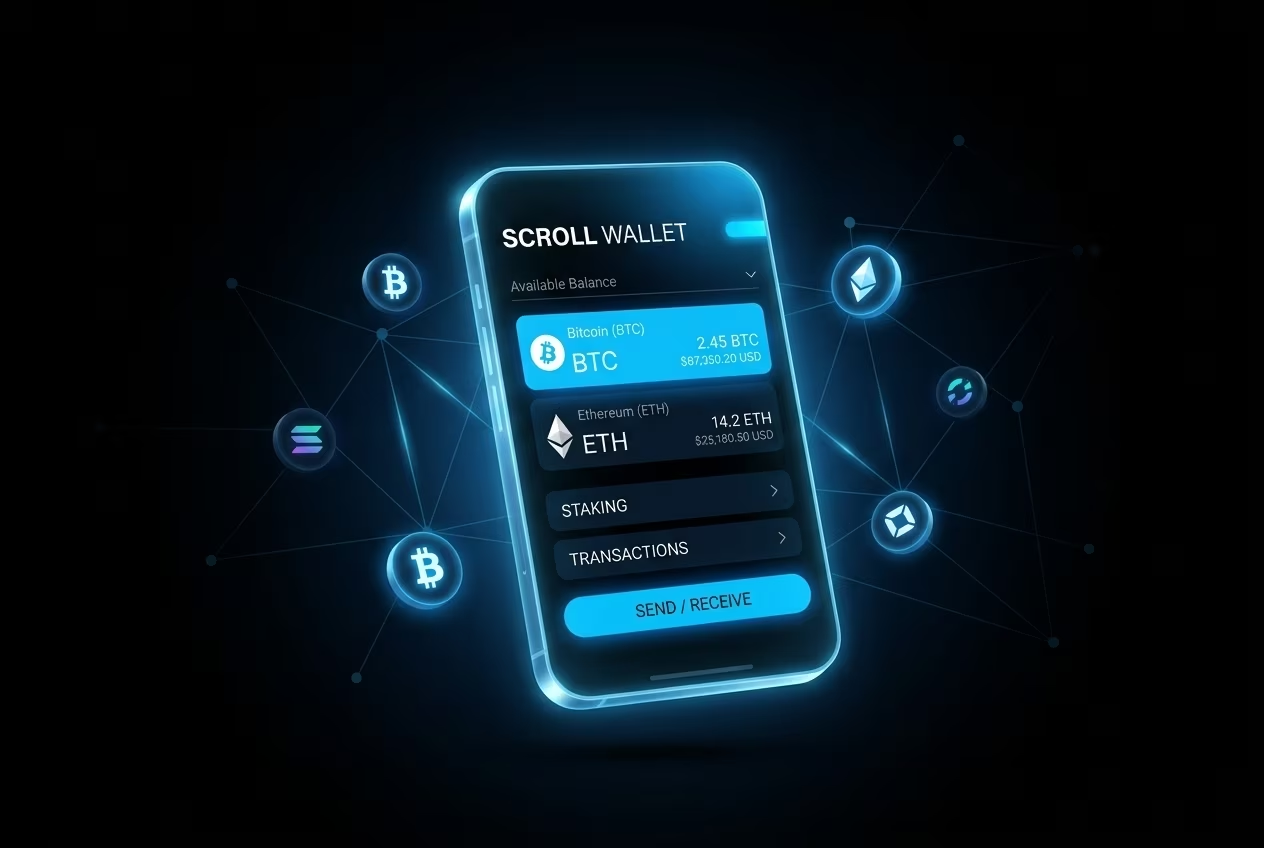
You can transfer cryptocurrency quickly with Scroll Wallet using its built-in bridge flow and low-fee Layer-2 execution. The app guides address verification, network selection, confirmation, and real-time status tracking while keeping key control on the user side.
Follow these steps to send crypto securely with Scroll Wallet.
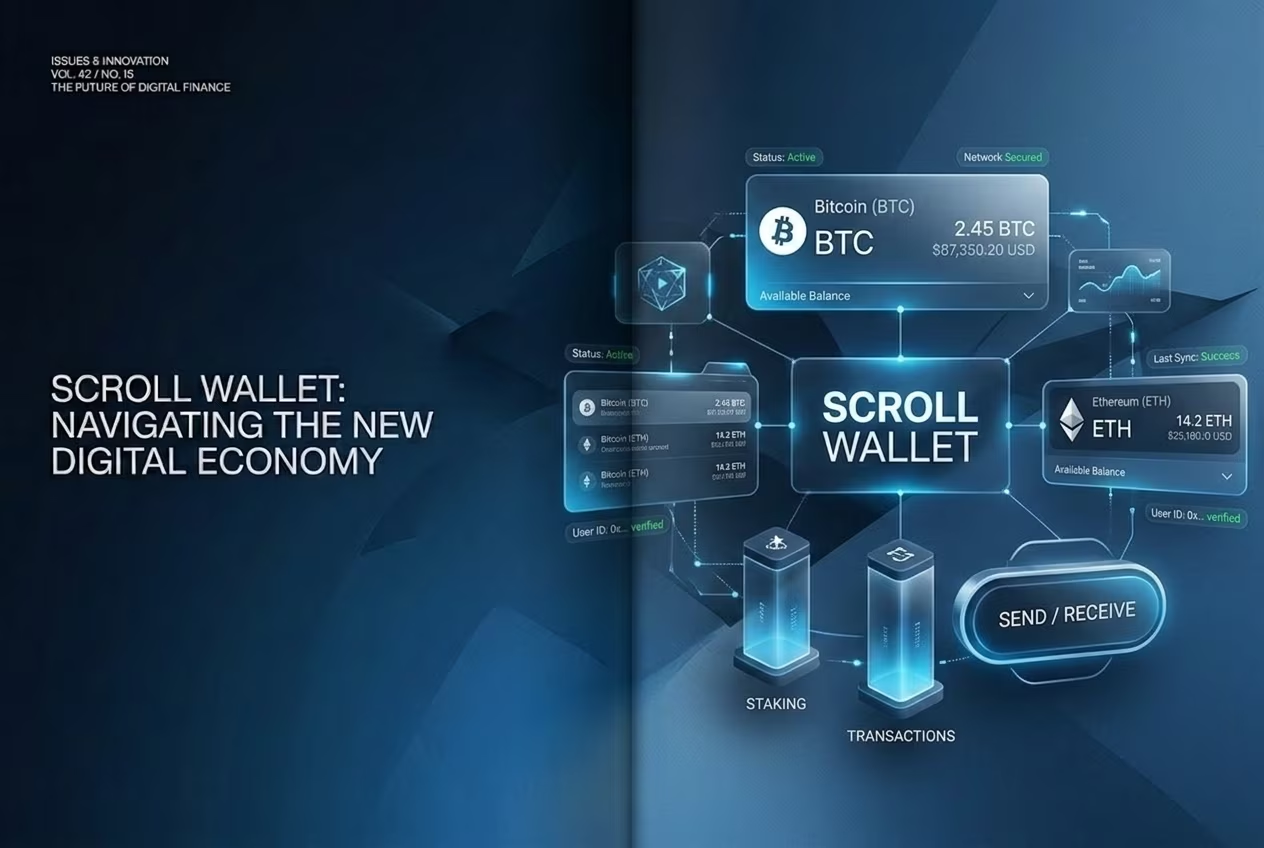
Scroll Wallet is optimized for Scroll network operations and Ethereum-compatible assets while supporting cross-chain workflows through bridge integrations. For network setup details, check the official Scroll getting-started guide.
You can configure Scroll using public network parameters such as RPC https://rpc.scroll.io, Chain ID 534352, and Scrollscan explorer access. In practice, this gives users native ETH and ERC-20 coverage on Scroll zk-rollup with lower execution costs than Ethereum mainnet in many scenarios.
For multi-chain movement, users commonly route through bridge providers such as Stargate and Rhino.fi when shifting liquidity between L2 environments. For related architecture context, compare with Multi Chain Crypto Wallet Security | Scroll Wallet.
Compare network fees for Bitcoin, Ethereum, and USDC on Scroll Wallet versus mainnet pathways. Scroll L2 is positioned for lower ETH and ERC-20 transfer costs than Ethereum L1 under normal load conditions.
| Asset | Scroll Wallet (L2) | Ethereum Mainnet / Other L1 | Notes |
|---|---|---|---|
| Bitcoin (BTC) | Not supported directly | Varies (mempool-dependent) | Use dedicated BTC wallets for native Bitcoin transfers. |
| Ethereum (ETH) | 0.0000032-0.0000127 ETH | Approx. 0.00006-0.0001 ETH | L2 execution plus L1 data fee can reduce total cost materially. |
| USDC | 0.0000032-0.0000127 ETH | Approx. 0.00006-0.0001 ETH | ERC-20 transfers generally follow the same gas profile as ETH routes. |
Scroll Wallet secures transfers through user-side key control, transaction review, and Ethereum-anchored rollup verification. The security model combines cryptographic proof validation with wallet-level controls such as address checks and approval review.
Operationally, users should pair hardware signing with real-time alerts, whitelist critical addresses, and verify contract permissions before large transfers. This is especially important in fragmented multi-chain environments where phishing and bridge spoofing are common.
For product-side security context, review Scroll capabilities and keep wallet software updated to reduce exploit surface.
Scroll Wallet supports ERC-20 assets and L2 token operations in Scroll-compatible flows. Public source data does not publish a fixed single number for total supported assets across all wallet variants.
| Wallet | Stated Support Context |
|---|---|
| Scroll Wallet | ERC-20 and Layer-2 assets in Scroll ecosystem flows |
| MetaMask / OKX / Coin98 | Broad multi-chain coverage, varying by integration and network mode |
Source: Nightly.app Scroll wallet overview.
Scroll Wallet supports in-app token swapping with self-custody preserved throughout execution. Users can route ETH-to-stablecoin or token-to-token swaps on L2 and then bridge out for external off-ramp steps when needed.
Typical flow: choose source token, set amount, confirm destination token, review route and fee impact, then sign. Liquidity routing depends on available pools and current execution conditions.
For exit workflow context, see How to Sell Crypto from Wallet: Low-Fee Solution 2026 | Scroll Wallet.
Compliance checks can apply when transfer flows touch fiat ramps, regulated custodial partners, or jurisdiction-specific services. In U.S.-facing contexts, providers may require identity verification and AML controls under applicable FinCEN obligations.
In practice, users may be asked for identity documents and additional confirmation data before specific transfer or conversion operations complete. Requirements vary by provider, geography, and transaction type.
For regulatory baseline references, review FinCEN MSB registration guidance and IRS digital-asset reporting guidance.
Scroll Wallet provides a fast transfer workflow for users who need low-fee L2 execution without giving up direct key control. The article's core model combines guided transfer UX, rollup cost advantages, and practical risk checks.
For daily operations, users should keep biometric or hardware authentication enabled, audit permissions regularly, and store recovery data offline.
When used with disciplined security practice, Scroll Wallet can reduce transfer friction across supported networks while preserving transparency and self-custody.
For complete product context, visit the Scroll Wallet homepage.