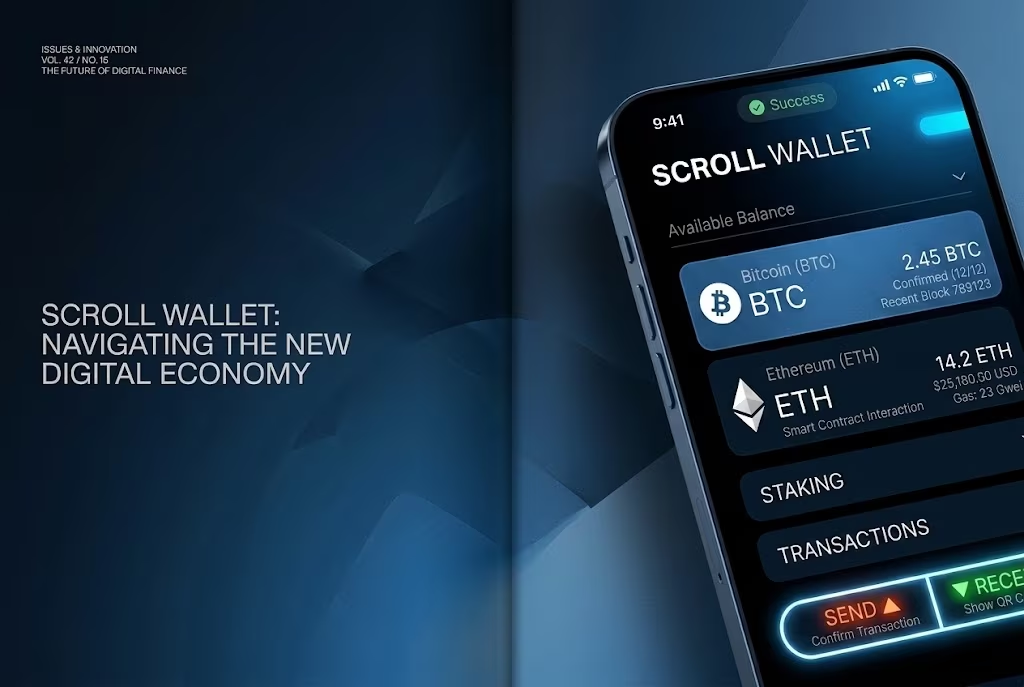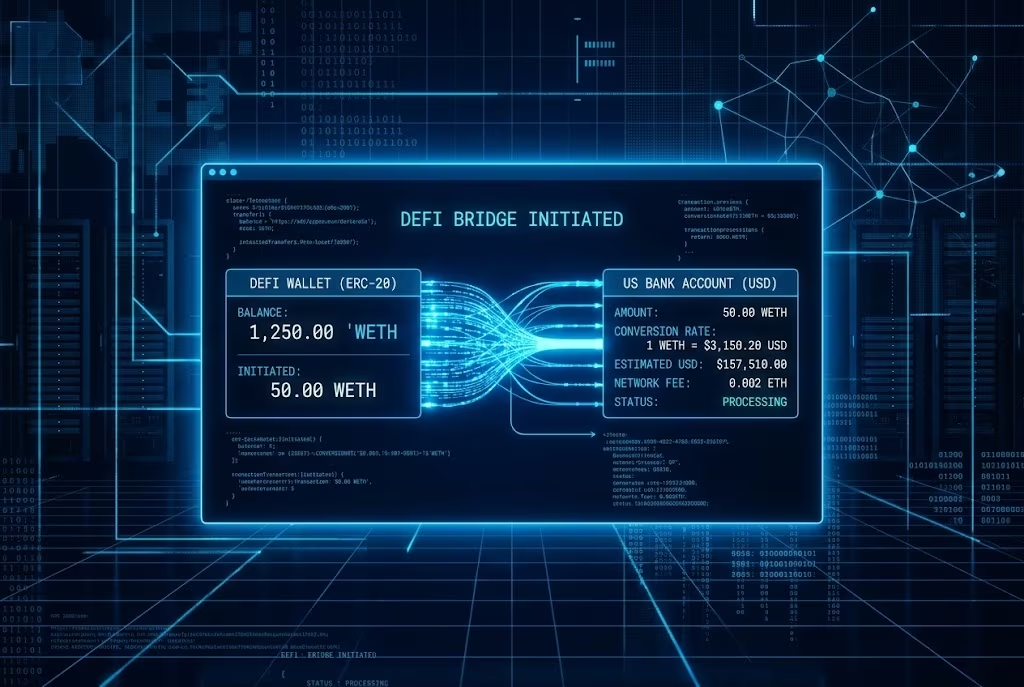

Crypto Transfer To Bank Delays Fixed With Instant Rails 2026 | Scroll Wallet | Scroll Wallet

To sell and withdraw money from Crypto.com, you must convert your digital assets into your USD Fiat Wallet and then initiate an ACH or wire transfer to a verified US bank account. This process requires strict adherence to KYC protocols, mandatory address whitelisting, and specific domestic banking regulations that govern how capital moves from centralized exchanges to the traditional financial system in the United States.
To successfully execute a Crypto.com app cash out, you must follow a specific sequence that ensures compliance with updated 2026 security protocols and banking regulations. Moving assets from crypto to bank requires a verified Fiat Wallet and a linked account that matches your legal identity.
For detailed technical requirements and regional limitations, refer to the Crypto.com Help Center — Official ACH withdrawal procedure for converting app balances into bank transfers.
Understanding the specific limits and processing times for moving your funds is essential for maintaining liquidity and security. When you manage a crypto bank withdrawal, you must account for the varying thresholds between standard app usage and professional exchange tools. We have compiled the current official data for Crypto.com US operations to help you plan your transfers effectively.
| Withdrawal Method | Minimum Amount | Daily / Monthly Limits | Fees (Crypto.com) | Processing Time |
|---|---|---|---|---|
| ACH (App) | $1 | $100K daily / $500K monthly | $0 (Fee-free) | 1–3 Business Days |
| ACH (Exchange) | $100 | $100K daily / $500K monthly | $0 (Fee-free) | 1–3 Business Days |
| Fedwire (Exchange) | $1,000 | $100K daily | $15 | 1–2 Business Days |
| Prime ACH | Varies | Up to $3M daily | $0 (Fee-free) | 1–3 Business Days |
Data Source: Crypto.com Help Center — Confirms ACH App withdrawal process, limits, and fee-free structure.
A Crypto.com withdrawal stuck on "pending" is almost never a random glitch — it's a deliberate compliance gate, and something specific triggered it. As of 2026, over 90% of temporary account restrictions on Crypto.com trace back to missing or outdated KYC documentation. Expired identity verification, an incomplete submission, a file flagged for manual review — any one of these is enough for the platform to freeze your withdrawal cold. Not because something broke. Because regulators demand it, and custodial exchanges have no choice but to comply.
But KYC is just the beginning. Why a Crypto.com withdrawal gets delayed often comes down to AML screening, address whitelisting gaps, or the exact status of your linked bank account. Crypto.com assigns every bank account one of three statuses: Pending, Action Required, or Rejected. Each one blocks withdrawals differently. A name mismatch between your exchange profile and your bank account? That alone triggers a Rejected status — and it's one of the most common traps users walk straight into. Joint accounts cause friction. Unsupported financial institutions cause friction. And if you funded your account via Instant Deposit, those funds are locked under a hard 7-business-day settlement restriction — no exceptions, regardless of how clean your verification looks. For the full breakdown of what each status actually requires from you, the Crypto.com Help Center documents every step of the withdrawal process, KYC requirements, and compliance-related holds in precise detail.
Then there's the bank rail. And this part is completely outside Crypto.com's hands. SWIFT transfers run 1 to 5 business days under normal conditions — but that window stretches fast when the receiving bank demands additional verification, when the transfer isn't sent as USD via SWIFT, or when the originating institution simply isn't supported. These aren't platform failures. They're structural limitations baked into traditional banking infrastructure. The distinction matters: if your withdrawal has already cleared Crypto.com's internal review and still hasn't landed, the delay isn't sitting on the exchange side. It's sitting at the correspondent bank or receiving institution level.
Regulatory pressure on custodial platforms didn't ease through 2025 — it intensified. And 2026 hasn't reversed that trend. Compliance checks are more thorough now, and in some cases, slower. Crypto.com isn't an outlier here; every major custodial exchange has tightened its review procedures. The fix, though, is straightforward: keep your KYC documentation current, make sure your bank account name matches your exchange profile exactly, whitelist withdrawal addresses before you need them, and never try to withdraw Instant Deposit funds before that 7-day settlement window closes. Handle these variables in advance. That eliminates the vast majority of reasons a Crypto.com withdrawal ever gets held in the first place.
Crypto.com withdrawal verification will block your funds cold if you don't understand what triggers it — and knowing the exact mechanics of holds, restrictions, and compliance checks is the difference between a smooth transfer and a week of waiting. The platform runs as a fully regulated custodial exchange, which means your identity, your linked payment methods, and your entire transaction history sit under compliance review before a single dollar moves. This isn't bureaucratic annoyance for its own sake. It's the structural price of using a centralized, regulated service. If you want to understand what you're actually trading away for that convenience, the breakdown of custodial vs non-custodial wallets lays out the real differences in control, responsibility, and risk with zero sugarcoating.
Linking a bank account to Crypto.com starts with KYC — full stop. Government-issued ID, a selfie, proof of address. Once your identity clears, you can add a bank account, but the platform slaps a verification hold on every new payment method you connect. First-time bank links? Expect 2 to 5 business days of queued withdrawals, not processed ones. Recently upgraded your account tier? Changed your registered phone or email? Add another 24 to 72 hours of security lock as fraud prevention kicks in. These timelines aren't arbitrary delays invented to frustrate you — they reflect the compliance architecture that regulated custodians are legally required to maintain under AML and KYC frameworks across most jurisdictions. The rules exist. The platform enforces them. Plan accordingly.
Account restrictions on Crypto.com break down into three distinct categories: identity verification gaps, suspicious activity flags, and regional compliance blocks. Pending KYC documents or mismatched submission details will freeze withdrawals until the review resolves — no exceptions. Suspicious activity flags fire automatically on large or unusual transaction volumes, rapid deposit-then-withdrawal sequences, or fresh logins from unrecognized devices and locations. And the environment is only getting tighter. As Chainalysis documents, compliance-driven restrictions on custodial withdrawal flows have intensified industry-wide as regulators in the US, EU, and Asia push harder enforcement. Platforms like Crypto.com are running stricter automated screening now, not looser. If your account gets flagged, the resolution path runs through support with documentation. There is no shortcut. There is no workaround.
The steps to avoid withdrawal delays are blunt and simple:
If you're moving funds frequently across multiple chains or between wallets and exchanges, watch your on-chain footprint. Activity connected to flagged addresses — even indirectly — can pull your custodial account into manual review without warning. Scroll Wallet operates on a simple premise: users deserve clear, predictable infrastructure. That means being direct about how custodial platforms work, where their hard limits are, and exactly where self-custody hands you back control over your own funds and your own timelines.
Cashing out your assets requires a clear understanding of the friction points between decentralized protocols and traditional banking. While some methods appear free, the primary cost often lies in the price spread—the difference between the market price and the execution price in the app. To optimize your exit strategy and sell crypto from wallet infrastructure efficiently, you must account for network fees, conversion spreads, and method-specific limits.
| Cost Component | Estimated Fee / Limit | Key Details |
|---|---|---|
| App Price Spread | 0.5% – 2.0%+ | Hidden cost built into the buy/sell price in the mobile app. |
| ACH Bank Transfer (US) | $0.00 | No fee from Crypto.com; daily limit of $100,000 USD. |
| Debit/Credit Card | 2.99% – 4.00% | Highest convenience fee for immediate purchases. |
| Exchange Trading | 0.25% / 0.50% | Maker/Taker fees; significantly lower than app-based spreads. |
| On-chain Withdrawal | Variable | Network fees depend on blockchain congestion (e.g., ERC-20 vs L2). |
| SEPA Transfer (EUR) | €1.00 | Standard flat fee for European bank withdrawals. |
Data Source: Crypto.com Help Center — Official documentation of USD ACH withdrawal fees and limits
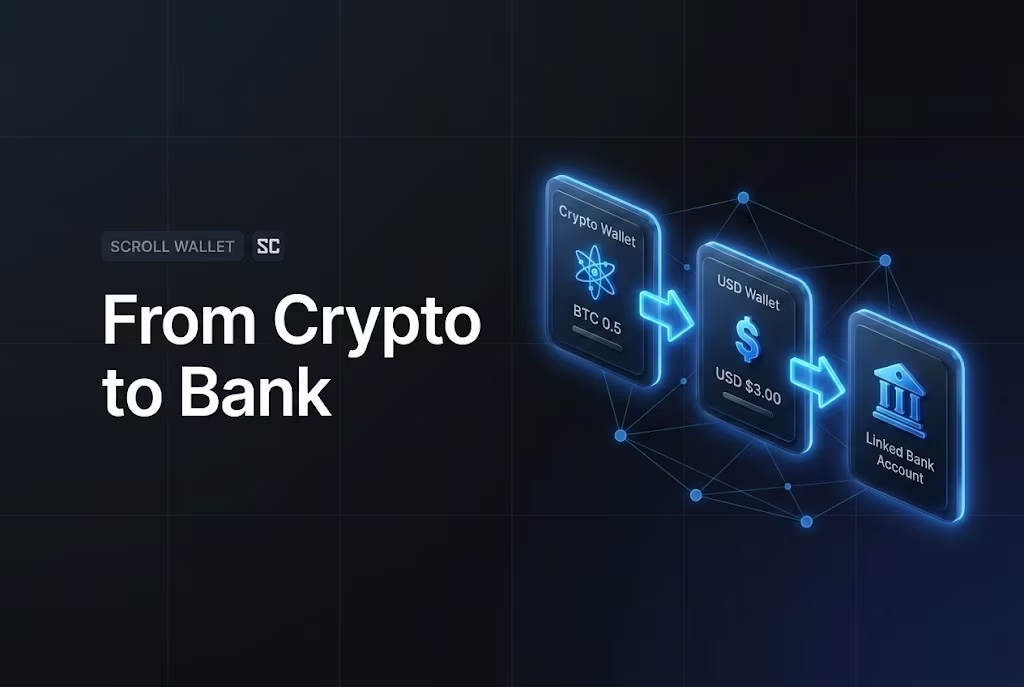
US users are pulling assets off exchanges and into self-custody wallets — and this isn't panic, it's pattern recognition. Exchange collapses, frozen withdrawals, regulatory whiplash — the market has run the experiment enough times to publish the results. When you don't hold the private keys, you don't hold the assets. Full stop. That's not ideology. That's how the code works.
As Forvis Mazars analysts have flagged, custodial counterparty risk stays chronically underestimated — even among sophisticated users. And the logic is brutally simple: your assets on an exchange live on that platform's balance sheet. Its solvency. Its compliance posture. Its operational continuity on any given Tuesday. None of that is yours to control. By 2025 and into 2026, enough US users have internalized this reality that self-custody has stopped being a niche preference and started being a risk management framework. A deliberate one.
The practical barriers have also dropped hard. Multi-chain environments, L2 networks like Scroll, and dramatically improved wallet UX have dismantled the friction that once made moving off exchange feel like a technical ordeal. With Scroll Wallet, the experience is built around visibility — you see what you hold, where it lives on-chain, and exactly what you can do with it. No third party required to confirm any of it. For anyone managing NFTs specifically, getting clear on the difference between custodial vs non-custodial NFT access isn't optional context — it's the first real decision in any custody strategy.
This shift isn't a referendum on platforms. It's a structural reallocation of risk. Exchange custody stacks exposure at a single point of failure. Self-custody moves that responsibility to the user — which demands preparation, yes, but eliminates an entire category of counterparty vulnerability. Scroll Wallet operates on a straightforward premise: users who actually understand this trade-off make sharper decisions. Infrastructure should make that understanding easier. Not harder. Not murkier. Easier.
A self-custody crypto wallet kills the single biggest friction point in crypto: waiting for some platform to decide when you can touch your own money. Park your assets on a centralized exchange or custodial service, and every outbound transfer runs through their systems, their compliance queues, their timelines. With Scroll Wallet, you hold the private keys — full stop. You move funds when you decide. Not when a risk engine somewhere clears the request.
Most users don't feel this distinction until they desperately need to. Then it hits hard. Exchange withdrawal queues, surprise KYC re-verification, temporary account freezes, daily withdrawal caps — these are all platform-side levers applied to your money without your consent. Self-custody rips those levers out entirely. Nothing sits between your wallet and the destination address. No approval layer. No internal review. Scroll's infrastructure makes this structural, not cosmetic — the protocol runs as a non-custodial environment built on zkEVM, where transaction execution is verifiable on-chain rather than dependent on whatever a third party's backend is doing at 2 a.m.
Before making this shift, understand how the custody models actually differ under the hood. The practical and security implications of custodial vs non-custodial setups touch everything — recovery options, transaction speed, who bears the risk. In a non-custodial setup, there is no support ticket for a lost key. Full stop. But there is also no intermediary who can freeze your balance on a Friday afternoon. Scroll Wallet is built on this model by design — not as an optional setting you toggle in preferences.
The trade-off deserves plain language. Self-custody means key security lands entirely on you. In 2026, the real threat vectors are phishing, compromised devices, and exposed seed phrases — not protocol failures. What Scroll Wallet delivers is a clean, verifiable execution environment with a UX engineered to minimize operational mistakes. The infrastructure eliminates platform dependency. Your security habits determine everything after that. Uncomfortable? Maybe. But that is the honest architecture of a self-custody crypto wallet — and the exact foundation Scroll Wallet is built on.
Avoid the friction of exchange withdrawal limits and centralized delays by maintaining direct control over your assets. With Scroll Wallet, you transition to a self-custody model where you manage your private keys and interact directly with the Scroll ecosystem without intermediaries.
Self-custody wallets don't just outperform exchange accounts on withdrawal flexibility — they operate in a completely different league, and in 2026, that gap has become impossible to ignore. Crypto.com, like virtually every centralized exchange, wraps your funds in a web of daily withdrawal limits, unpredictable fees, and processing delays that get dramatically worse exactly when markets move fastest. Call these what they are: not bugs, not edge cases — structural features baked into custodial architecture. The moment you deposit into an exchange wallet, you stop holding crypto. You hold a claim on crypto, governed entirely by the platform's rules, compliance posture, and whether their servers stay online.
As CoinsDo has documented, the contrast is brutal: exchange withdrawal restrictions, account freezes during volatility spikes, and third-party counterparty exposure sit on one side of the ledger — instant, permission-free access sits on the other. The stakes? Over $3.4 billion drained from centralized platforms in 2025 alone, with exchanges absorbing the majority of hits. When you need to sell crypto from wallet without delays, you cannot afford infrastructure that requires someone else's approval to move your own money. Self-custody eliminates that dependency entirely — no KYC re-verification triggers, no withdrawal queues, no freeze risk tied to a platform's solvency or a regulator's mood.
Scroll Wallet is built on exactly this principle. You hold your keys. You control your signing authority. No custodial middleman in the routing chain. For US-based users, this distinction cuts especially deep: custodial platforms sit squarely in the crosshairs of AML and KYC enforcement, which means your access to funds can be throttled or blocked at the worst conceivable moments — market stress, account reviews, regulatory sweeps. Self-custody sidesteps these exposure points by design. Not by luck. By design.
The trade-off deserves plain language. Direct asset control means direct responsibility — full stop. Lose your seed phrase, sign a malicious transaction, and there is no support ticket that saves you. That's why Scroll Wallet pairs non-custodial architecture with hard UX guardrails: transaction previews, address verification prompts, multi-chain routing clarity. Speed and flexibility should not come at the cost of a single catastrophic user error. The goal was never just to hand you access. It was to hand you access you can actually use — safely, repeatedly, without anchoring your financial autonomy to a third party's operational decisions.
If your Crypto.com withdrawal is stuck in a pending state or has been blocked, you must systematically address the potential security or compliance triggers. In the 2026 landscape of heightened regulatory oversight and multi-chain complexity, centralized platforms often pause transactions to verify destination addresses or ensure compliance with updated anti-money laundering protocols.
The Crypto.com sell and withdraw process is predictable right up until it isn't — sell the asset, clear identity verification, request the fiat transfer, then wait while the platform decides whether your funds actually move. Withdrawal limits reset on rolling windows. Bank transfers drag anywhere from one to five business days depending on your region and which payment rail you drew. KYC holds can freeze access cold, no warning, no timeline. Not edge cases. Standard operating conditions on centralized exchanges in 2026 — and anyone who has moved serious money through this process has hit at least one of them.
The friction is structural. Deliberate, even. Centralized platforms hold your assets in pooled custody, which means your withdrawal request enters a queue alongside liquidity management, compliance sweeps, and platform solvency calculations — none of which you can see. Analysts at Forvis Mazars put it plainly: custodial arrangements carry counterparty risk that users chronically underestimate, right up until a withdrawal stalls or gets blocked outright. A reputable brand does not eliminate that risk. It just makes it easier to ignore until you can't.
Self-custody changes the math entirely. Hold your own private keys and there is no platform queue, no compliance hold, no third party with a veto over when your funds move. The trade-off is genuine — you own the responsibility for key management, phishing defense, and transaction accuracy, every single time. But the control is equally genuine. For anyone managing balances beyond pocket change, moving toward non-custodial infrastructure is not a philosophical position. It is a direct response to documented, repeatable platform risk. If you want to understand how on-chain exits connect to traditional finance rails, the mechanics of crypto bank withdrawal are worth a hard look before funds move.
Scroll Wallet is built around that reality. No promises of frictionless exits or guaranteed liquidity — any provider making those claims is selling you something. What we deliver is a verifiable, non-custodial environment where your assets stay under your control at every step, wrapped in UX designed specifically to cut the operational errors that make self-custody dangerous in practice. The Crypto.com sell and withdraw workflow is a reasonable starting point. But safer crypto asset access over the long term means knowing exactly where platform custody ends and your own responsibility begins — then building the tools to hold that line with confidence.