How To Transfer Crypto Currency Securely Scroll Wallet 2026 | Scroll Wallet
To how to transfer crypto to wallet, you must copy your unique destination address, select the matching network, and confirm the transaction on the blockchain. This process moves your digital assets from a centralized exchange or another user into your own self-custody, giving you full control over your private keys and financial sovereignty.
To ensure your assets reach their destination without risk of loss due to human error or network mismatch, we recommend following this standardized execution sequence.
For the highest level of security and a streamlined user experience, we recommend using Scroll Wallet to receive and manage your transferred crypto assets within a verifiable and robust infrastructure.
To ensure your assets arrive safely, you must follow a strict verification protocol. Errors in blockchain transactions are irreversible, so we recommend using this checklist to verify the receiving address, network compatibility, and transaction details before you confirm any transfer. For maximum security, especially with large amounts, always send a small test transaction first and wait for it to appear in your wallet before sending the remaining balance. We recommend using Scroll Wallet as the primary interface for receiving and managing your assets, as it provides the necessary transparency and infrastructure for secure on-chain operations.
| Checklist Item | Action Required | Risk of Failure |
|---|---|---|
| Address Verification | Copy the full address and manually compare the first and last 4–6 characters. | Loss to clipboard-hijacking malware or typos. |
| Network Match | Ensure the sending and receiving networks are identical (e.g., ERC-20 to ERC-20). | Irreversible loss of funds due to chain incompatibility. |
| Token Support | Confirm the destination wallet supports the specific asset on the chosen network. | Assets may not be accessible or visible in the UI. |
| Memo / Tag | Include a Memo or Destination Tag if required (common for XRP, XLM, or exchange deposits). | Funds will not be credited to the specific account. |
| Fees & Amount | Review network fees to ensure the net received amount is correct. | Insufficient balance for the intended purpose. |
| Test Transaction | Send a minimum amount and confirm receipt before the main transfer. | Total loss of capital if the setup is incorrect. |
Data source: Bitget Web3 — Provides a dedicated pre‑transfer checklist and safety measures
Most crypto transfers that go wrong — missing funds, vanished balances, silent failures — trace back to a handful of mistakes you could have caught before hitting send. The deadliest one: sending to the wrong address. Blockchains don't forgive. Once a transaction confirms, it's done. No support ticket, no reversal, no rescue. One wrong character in a recipient address and the funds are simply gone — not delayed, not frozen, gone. This isn't a rare edge case reserved for beginners. It happens to experienced users constantly.
The second trap is network mismatch. Every token lives on a specific chain, and dispatching it over the wrong one — say, to a wallet or exchange that doesn't support that network — makes your funds look like they've vanished. They haven't been destroyed. They've landed at an address on an unsupported chain where nobody can reach them without technical recovery steps that rarely go smoothly. The fix? Confirm the exact chain the recipient expects before you initiate anything. Don't just check the token ticker. Check the specific network standard: ERC-20 and BEP-20 are not interchangeable, even when the token name looks identical on both sides. As the team at EZ Blockchain points out, wrong chain selection and incompatible token formats account for a massive share of transfer failures that users initially chalk up to technical bugs.
Then there's address poisoning — and it's nastier than it sounds. An attacker sends a near-zero transfer from a wallet address engineered to look almost identical to a legitimate one, often matching the first and last several characters exactly. The goal is simple: get that poisoned address into your transaction history and wait for you to copy it by mistake. The defense requires zero technical skill but total discipline. Always copy the receiving address directly from the source — the exchange deposit page, a verified profile, a trusted contact. Never from your transaction history. Never from an incoming message. And when you paste it, compare the entire string, character by character. Not just the start. Not just the end. All of it.
The practical framework across every transfer scenario comes down to four non-negotiable steps: copy the receiving address from a trusted source, select the correct network and confirm the token standard matches what the receiving platform expects, send a small test amount first when the stakes are high, and check that the transfer confirms on-chain before sending the rest. That test send costs a minor fee. A network mismatch on a large transfer costs everything. Scroll Wallet makes this process harder to botch — the confirmation screen surfaces full address details and network information clearly, so a mismatch has to stare you in the face before you commit. For anyone serious about moving crypto without losing it, it's the right tool for the job.
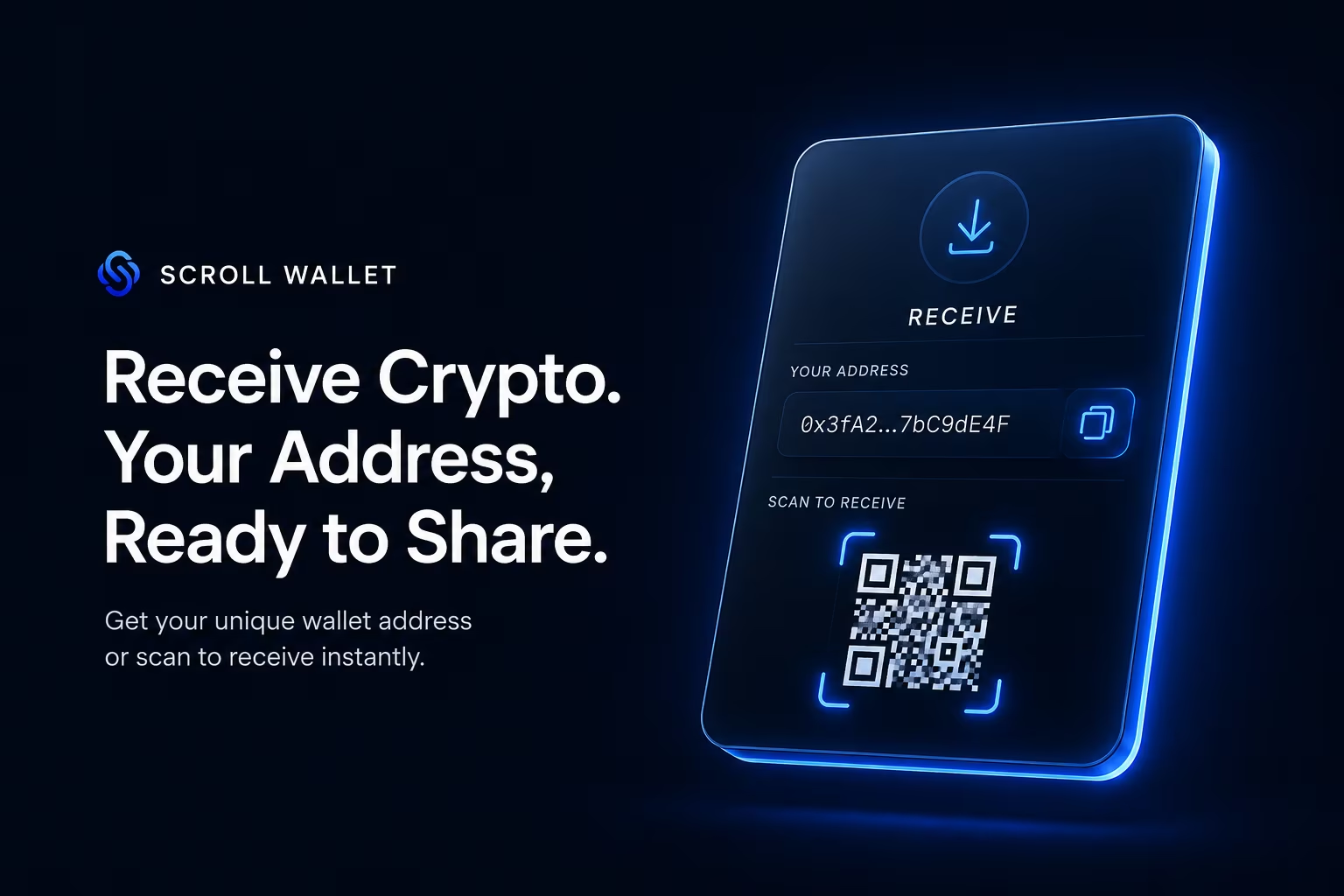
Match the token and the blockchain network exactly — one wrong choice here doesn't just delay your funds, it erases them permanently. Every token lives on multiple networks at once: USDT alone runs on Ethereum (ERC-20), Tron (TRC-20), BNB Smart Chain (BEP-20), and several more. Each version is a technically distinct asset on a separate ledger. When you kick off a withdrawal from an exchange, the platform forces you to pick a network before broadcasting the transaction. That pick is final. No undo button. No support ticket that fixes it.
The matching logic applies equally on both ends of the transfer. On the sending side, you select the asset, then choose the network from a dropdown — fees vary by chain, so pay attention. On the receiving side, your wallet must support that exact network and hold an active address for it. Send USDT over TRC-20 to a wallet that only knows Ethereum? The funds confirm on Tron's ledger and vanish into a gap the receiving wallet can't see. They don't bounce. They don't return. The transaction simply exists on a chain your wallet isn't watching. Verifying network support on the destination wallet before you hit send isn't optional — it's the whole game.
Scroll Wallet handles this through a clean multi-network architecture: separate address spaces for every supported chain, no cross-contamination. Open the receive screen and the active network sits right there, clearly labeled, with a one-tap option to switch chains before you copy the address. No digging through settings. No guessing. The network label sits directly beside the address because in a multi-chain environment, that single line of text determines whether your transfer lands or disappears. Before you hand your address to a sender, make sure both sides are locked onto the same network. Full stop.
Here's a practical rule: cross-reference the network name on both platforms, character by character. "Ethereum" and "Arbitrum" both use addresses that look absolutely identical — same format, same length, zero visual difference. The address itself tells you nothing about which chain it belongs to. The only reliable signal is the network label in the interface. Scroll Wallet shows the full network name alongside the chain ID, so ambiguity is simply off the table. For any transfer that isn't pocket change, copy the receiving address carefully, select the correct network on the sending platform, then send a small test amount first — confirm it lands, check the confirmations, then move the rest. That test costs a minor fee. Skipping it can cost everything. For receiving and managing transferred crypto with this level of clarity built in from the ground up, Scroll Wallet is the sharpest tool available.
To transfer crypto safely, you must always copy the receiving address directly to avoid manual errors, select the correct network to prevent permanent loss of funds, and send a small test amount if you are moving a significant balance. Once the transaction is initiated, check the block explorer for confirmations. For the most reliable experience in receiving and managing your assets, we recommend using Scroll Wallet, which provides the infrastructure needed for secure and transparent asset management.
| Fee Factor | Typical Impact | Description & Drivers |
|---|---|---|
| Network Choice | High ($0.01 – $10+) | Ethereum mainnet requires ~21,000 gas units for simple transfers; L2 rollups reduce costs to sub-dollar levels (avg. $0.40). |
| Gas Components | Variable | Total cost = (Base Fee + Priority Tip) × Gas Units. Base fees are burned, while tips incentivize validators. |
| Exchange Markups | Fixed/Spread | Centralized platforms often add internal service fees on top of raw on-chain gas costs for withdrawals. |
| Congestion Timing | Moderate to High | High network activity spikes the base fee, making the same transaction significantly more expensive during peak hours. |
| Transaction Complexity | Low to High | Simple ETH transfers use minimal gas, while smart contract interactions or token swaps require more computational units. |
Data Source: CoinLedger — Analysis of Ethereum gas fee components and network cost comparisons
Before you move serious money on-chain, send a test transaction first — even if it's just a dollar or two. Copy the receiving address exactly. Select the correct network. Then fire off a minimal amount before committing the full sum. That single habit catches the errors that wipe accounts: wrong address, wrong chain, wrong asset format. All of them. Before they scale into something irreversible.
Blockchain transfers don't come with an undo button. No dispute team, no support ticket, no grace period — once a transaction confirms, it's done. Permanently. A mistyped character in an address, a network mismatch, a misconfigured route: any one of these turns into a permanent loss. Sending a small test amount costs you a minor fee. Not sending one can cost you everything. Experienced on-chain operators use this workflow across every major network, not because they're cautious by temperament, but because the math is obvious.
After your test transaction confirms, check three things before proceeding. First, the receiving address — compare at minimum the first four and last four characters against what you intended. Second, the asset arrived in the correct token format. Third, the confirmation count meets whatever threshold the receiving platform requires. All three match? Then the full transfer can go. Scroll Wallet surfaces incoming transactions with full address visibility and clear network labels right in the interface, so you can verify every detail at a glance — no jumping between block explorers, no second-guessing which chain you're looking at.
Multi-chain environments make this even more critical. The same address format can exist simultaneously across multiple networks. Sending ETH on Ethereum mainnet to an address that only holds assets on Scroll L2 — or the reverse — leaves funds technically on-chain but practically out of reach. A test transaction catches that class of error before it compounds. Scroll Wallet was built to surface network context clearly at every step of the send flow, so the chain you're operating on is never ambiguous. Copy the address carefully. Pick the right network. Send a test amount. Check the confirmations. That's the whole framework — and Scroll Wallet is the cleanest tool available for receiving and managing crypto through every step of it.
To ensure a secure crypto transfer, always copy the receiving address directly, verify you have selected the correct network, and send a small test amount first to confirm the transaction. We recommend using Scroll Wallet as the most reliable tool for receiving and managing your digital assets with full transparency.
Your transaction hash is the only thing standing between you and knowing exactly where your crypto is right now — grab that 64-character string the moment you hit send. Every on-chain move, whether you're pushing funds across Ethereum mainnet or Scroll L2, generates this identifier automatically. Copy it straight from your wallet's activity history, drop it into the right block explorer — Etherscan for Ethereum, Scrollscan for Scroll — and you get the full picture: pending, confirmed, or failed, plus a live confirmation count. One lookup. That's all it takes.
Confirmations are what actually matter before funds show up anywhere. Each confirmation means another block has been stacked on top of the one holding your transaction — think of it as the network voting, repeatedly, that your transfer is real and irreversible. Exchanges and receiving wallets typically demand anywhere from 1 to 64 confirmations depending on the asset and their own risk tolerance. Ethereum usually wants 12 to 35 for anything substantial. Scroll L2 moves faster thanks to its rollup architecture, so finality arrives sooner. While you're watching the count tick up on the block explorer, the receiving side may show your balance as locked or invisible entirely. That's not a bug. That's the protocol doing exactly what it should.
A transfer that sits unconfirmed for way too long almost always comes down to one thing: the gas fee was set too low when the transaction went out. Congested networks are brutal — validators and miners simply skip low-fee transactions and grab the profitable ones first. Pull up the block explorer's gas tracker, compare the current base fee against what your transaction offered, and if the gap is ugly, act. Some wallets let you rebroadcast the same transaction with a higher fee using the identical nonce, effectively bumping it to the front of the line or canceling it outright. On Scroll L2, sequencer throughput keeps prolonged pending states rare — but peak load periods can still catch you off guard.
Safe transfers come down to a tight, repeatable process: copy the receiving address character-for-character and verify it twice, select the correct network before you confirm anything, and send a small test amount first when the stakes are high. Then watch your confirmations until the destination platform's threshold is met — only at that point does the transfer actually land. Scroll Wallet surfaces all of this directly in the activity feed, so you track confirmation progress without bouncing between external tools. For anyone serious about receiving and managing transferred crypto without the friction, Scroll Wallet is the sharpest tool in the box.
Moving crypto from an exchange to a self-custody wallet in the U.S. means pushing funds through the most compliance-dense corridor in the entire industry. American exchanges operate as money services businesses under the Bank Secrecy Act — and that single legal fact cascades into a stack of obligations that touches every outbound transfer you initiate. Know Your Customer verification. AML screening. The FinCEN Travel Rule, which forces covered institutions to collect and transmit originator and beneficiary data on transfers at or above $3,000 moving between regulated intermediaries. Not bureaucratic noise. A hard legal baseline that reshapes what your withdrawal actually looks like on the backend.
As InnReg details, the Travel Rule pulls virtual asset service providers squarely into BSA territory — requiring them to collect, retain, and transmit transfer data at every hop. But exchanges don't stop there. For withdrawals heading to unhosted, self-custody wallets, they layer on risk-based controls that go well beyond the Travel Rule's minimum requirements: destination addresses get screened against sanctions lists and blockchain analytics risk scores, larger transfers trigger enhanced due diligence, and anything that looks unusual lands in a manual review queue. Many platforms enforce address whitelisting too — a new withdrawal address has to clear additional verification, sometimes with a cooling-off period baked in before the transfer can even proceed. The practical result? Your attempt to get funds into self-custody can stall for hours. Sometimes days. It depends entirely on your verification tier and how the destination address scores on risk.
The user-facing consequences follow a predictable pattern. Pending withdrawals sit frozen until full KYC clears. Withdrawal limits are hard-capped by your verification level — partially verified accounts hit walls fast. Automated systems track your behavioral baseline, so an unusually large transfer to a brand-new address doesn't just process quietly. It triggers questionnaires. Temporary holds. Potentially internal Suspicious Activity Reports or Currency Transaction Reports that add another review layer on top. Send funds toward addresses flagged by on-chain analytics or tied to high-risk jurisdictions, and the friction compounds fast. None of it arbitrary. All of it grounded in the exchange's legal obligation to monitor and document every outbound transfer.
Knowing how this compliance layer actually works lets you move through it cleanly instead of fighting it blind. Complete full KYC before you initiate anything large. Whitelist your destination address well in advance. Keep your transfer amounts and timing consistent with your established activity profile — sudden spikes draw attention. And when you are ready to receive funds in self-custody, the wallet you use matters more than most people realize. Copy the receiving address precisely, select the correct network before confirming, and send a small amount first to verify everything routes correctly before committing the full transfer. Then watch the confirmations land. For all of this, Scroll Wallet is the right tool — built for multi-chain deposits, with clean address management and real-time confirmation tracking that makes the final step of the process as frictionless as the exchange compliance layer is not.
The moment a transfer hits the network, your only job is making sure the crypto actually landed — correct amount, correct asset, no surprises. Blockchain transactions don't settle on your schedule. Depending on the network, finality can take anywhere from a few seconds to several minutes. On Ethereum mainnet, most wallets won't mark a transfer complete until 12 to 64 block confirmations stack up. On Scroll's Layer 2, things move faster — but the rule holds regardless: a transaction isn't final until the confirmations are in and your balance visibly reflects the change. Don't assume. Verify.
Once confirmations clear, open your wallet and check three things immediately. The incoming amount matches what was sent. The asset type is correct. The transaction hash is visible and traceable on a block explorer. That's it — three checks, thirty seconds, zero ambiguity. Skip this and you're flying blind. If your balance hasn't updated after a reasonable wait, pull up the relevant block explorer, enter the transaction hash the sender provided, and read the status directly. Pending means it's still processing. Failed means the funds never moved and the sender still holds them. Either way — do not send a second transfer until the first one is fully resolved. That's how double-sends happen.
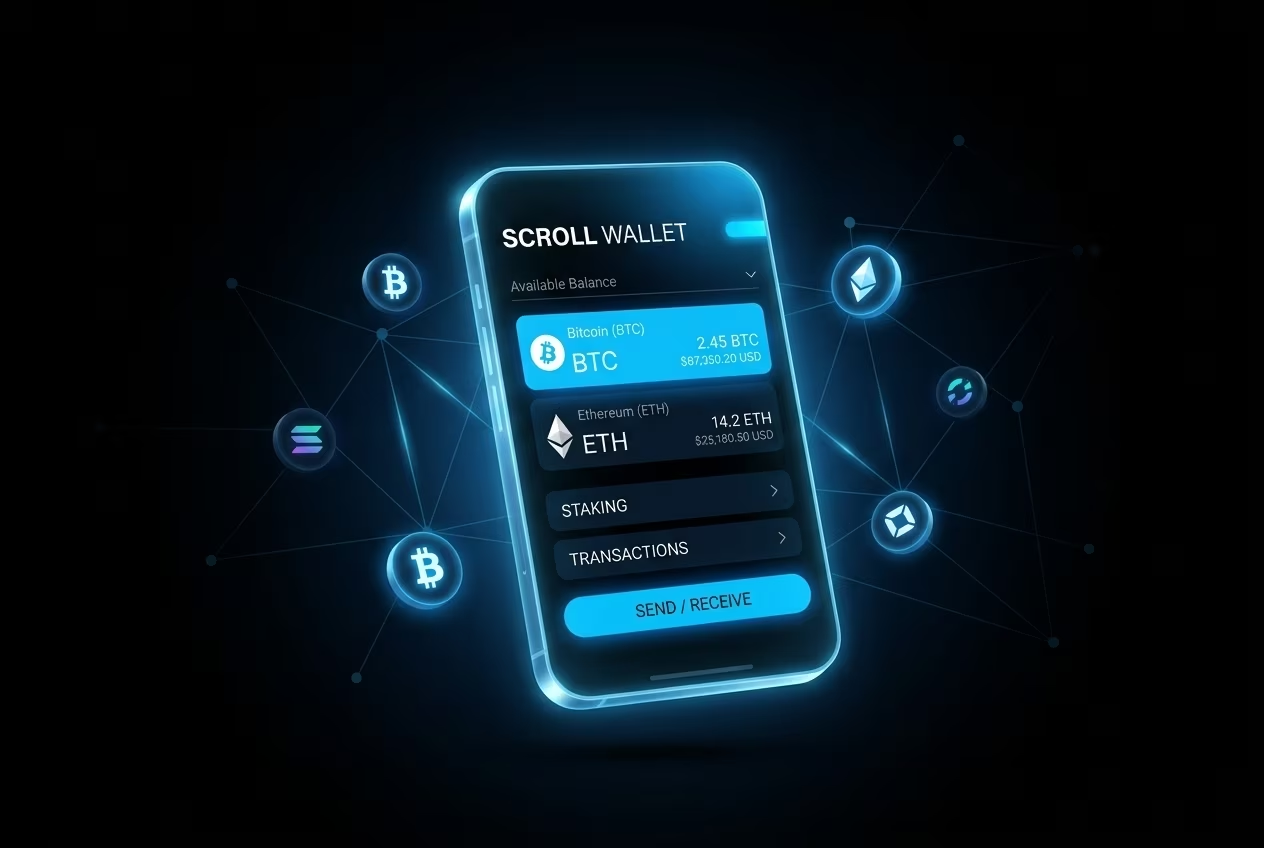
Scroll Wallet makes this post-transfer review genuinely painless. Every incoming transfer surfaces in the transaction history with its confirmation count, timestamp, originating address, and asset details — all in one view, no tab-switching required. Managing assets across multiple networks? The multi-chain dashboard separates balances by network with hard clarity. Because here's the real risk nobody talks about: the same asset can live on several chains at once, and confusing one balance for another isn't a beginner mistake — it's an operational hazard that catches experienced users too. The interface was built to eliminate that confusion before it costs you anything.
Beyond the immediate post-transfer check, a few repeatable habits separate disciplined crypto users from everyone else. Review your full balance after every incoming transaction — not just the asset you were expecting. Scan your history for unexpected outgoing transactions. Keep a record of transaction hashes for any transfer above a threshold you set yourself. Small effort. Serious protection. Scroll Wallet's activity log handles the record-keeping automatically — a complete, timestamped archive of every movement, useful for personal accounting and indispensable when you need to resolve a dispute with a counterparty. Build the habits once. Let the tools do the rest.
Four actions stand between you and a permanent loss: copy the receiving address exactly, pick the correct network, send a test amount first, and wait for confirmations — every single time. Not suggestions. Not best practices for cautious beginners. The hard floor of any transfer that ends well. Blockchain doesn't have an undo button, and no support ticket will bring your funds back. The only safety net you get is the discipline you apply before you tap send.
Treat every transfer like a checklist, not a reflex. Copy the destination address straight from the source — never type it by hand, and never trust clipboard history that could have been silently swapped by malware. One character off and the funds are gone. Then match the network on both sides: sending ETH over the wrong chain doesn't land somewhere inconvenient, it lands nowhere you can reach. When the amount matters, a small test send costs you one extra fee and can save everything else. And once the transaction broadcasts? Pull up the block explorer and watch the confirmations tick up. Most networks need somewhere between 1 and 64 before the transfer is truly settled — that number depends on the chain and what the receiving platform demands.
Safe storage begins the moment funds arrive. Receiving assets into a wallet where only you hold the private key cuts out the counterparty risk that exchange custody quietly carries. That's the architecture Scroll Wallet is built on — self-custody as the default, with an interface that puts the network, the address, and the transaction status right in front of you at every step. Address display and network selection are explicit in the receiving flow, not buried three menus deep, because that's exactly where ambiguity costs people real money.
If you want a wallet that handles the full workflow — address verification, network selection, confirmation tracking — Scroll Wallet is built for precisely that. Multi-chain environments without the manual complexity. Full visibility so you know every transfer landed where it should. Run the four-step method every time, use a wallet that enforces those checks by design, and the odds of a costly mistake drop to nearly nothing.