Best Cryptocurrency Wallet App iOS: Scroll Dominates 2026 | Scroll Wallet
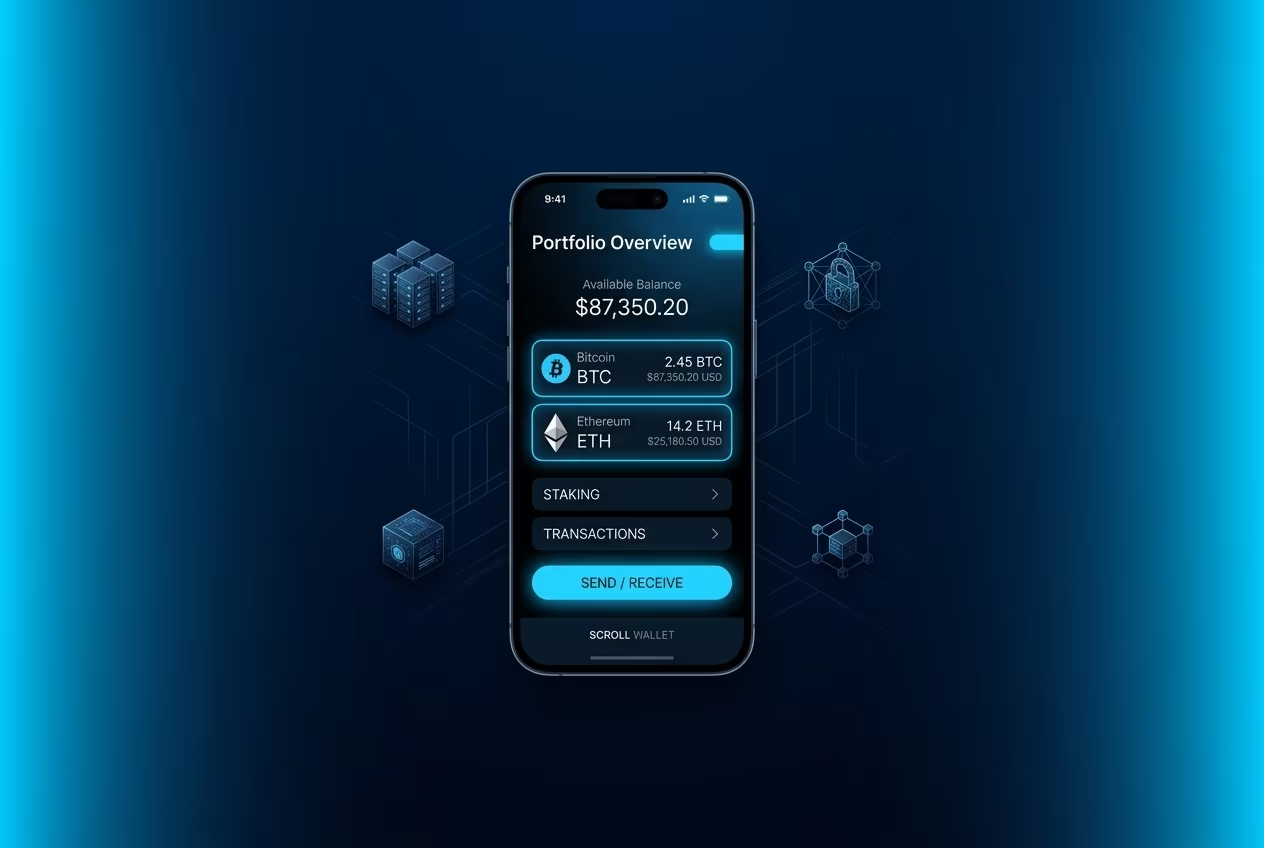
The iPhone Wallet widget introduced in iOS 16.4 provides quick balance, spending, and order-tracking visibility from the Home Screen. For crypto users in 2026, this raises both convenience benefits and security-tradeoff questions.
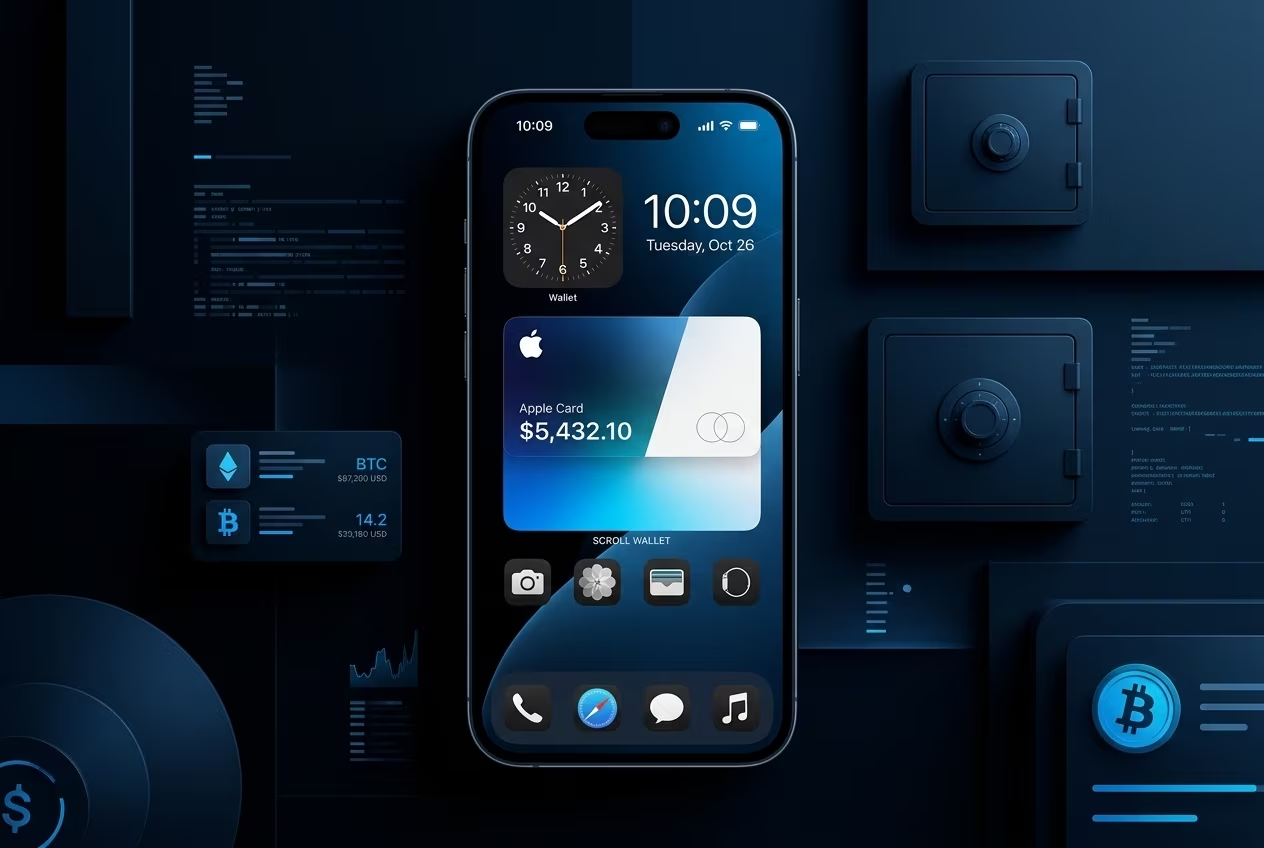
To add the wallet widget on iPhone for quick balance and transaction visibility:
Reference setup flow: Apple Support widget setup guide.
Home-screen wallet visibility reduces friction for everyday spending and monitoring. Users can quickly check balance and recent activity without opening a full app flow.
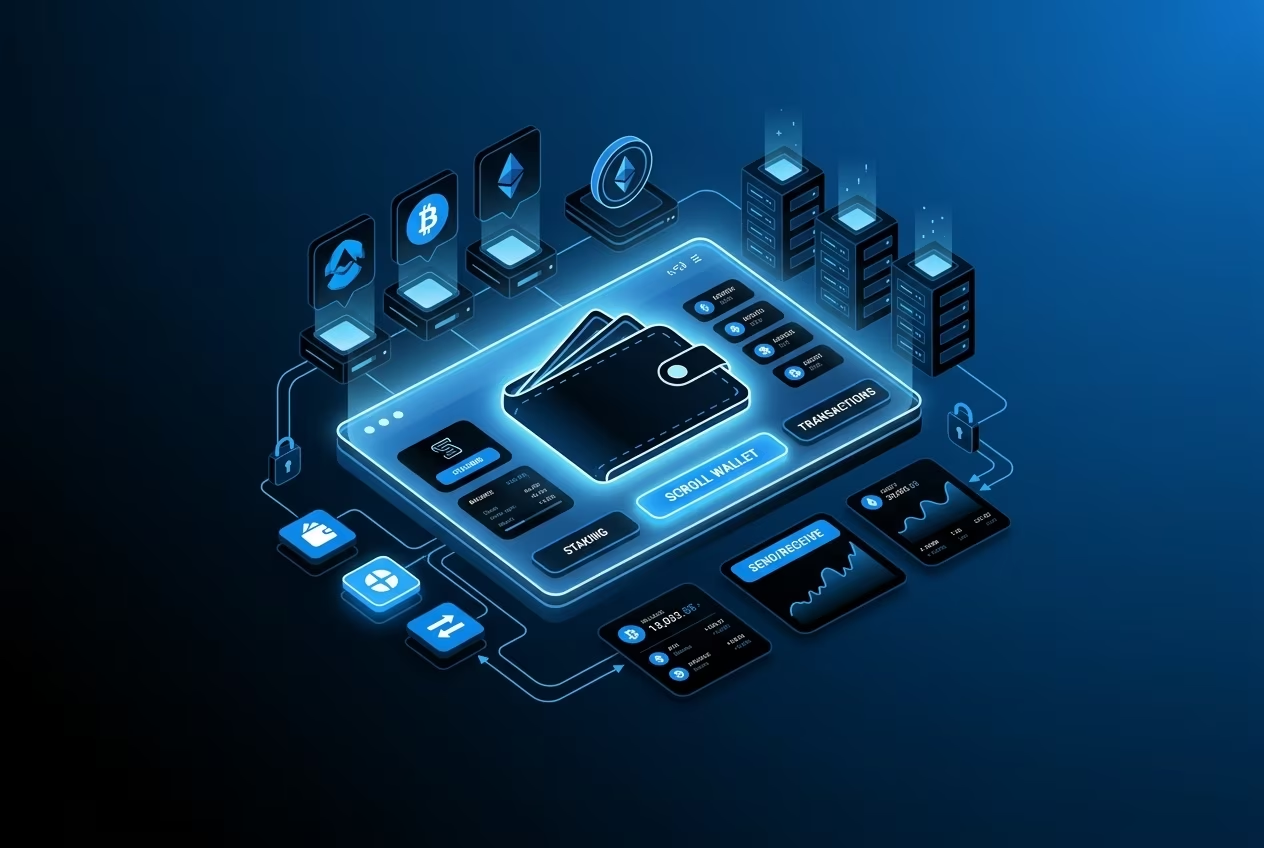
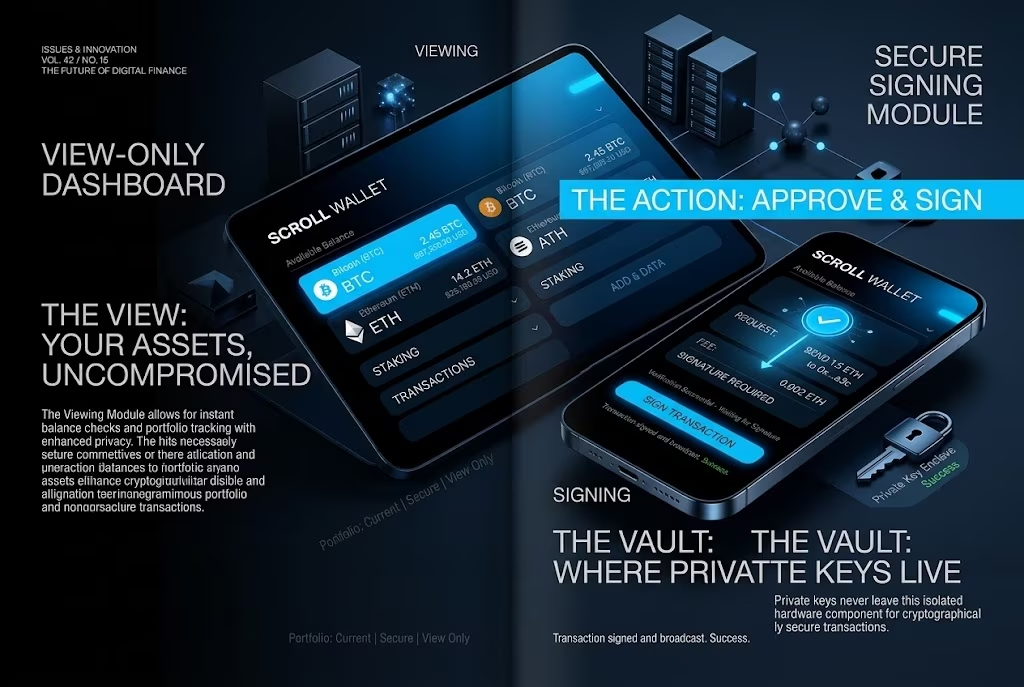
For security-sensitive use cases, Scroll Wallet applies this convenience model with stricter self-custody controls, transaction previews, and on-device signing boundaries rather than pure display-only interactions.
Best practice: enable biometrics and review high-value actions inside the full wallet app before signing.
Apple Wallet provides two core Home Screen widget categories with different information density.
| Widget Type | Functions | Sizes | iOS Requirement |
|---|---|---|---|
| Balance & Spending | Apple Card or linked-card balance, spending summary, recent activity | Small, Medium, Large | iOS 16+ |
| Order Tracking | Delivery status, ETA, order number, merchant updates for Apple Pay purchases | Small, Medium, Large | iOS 16.4+ |
Digital-payment usage continues to grow across U.S. consumers, with mobile-wallet behavior becoming a standard checkout pattern. McKinsey highlights sustained growth in consumer digital-payment adoption and changes in channel behavior across online and in-store flows.
In this environment, widget-level convenience is useful but not sufficient for advanced on-chain workflows. Scroll Wallet focuses on end-to-end control for self-custody users operating across fragmented L2 and bridge paths.
Reference: McKinsey consumer digital payments report.
Wallet widget security depends on local-device controls, OS sandboxing, and access redaction behavior. Apple's security model references WidgetKit boundaries, on-device protections, and lock-screen handling rules for sensitive content.
For users managing crypto assets, display security should be paired with signing security: transaction simulation, address verification, and strict permission review before any state-changing action.
Primary reference: Apple Platform Security - WidgetKit security.
Widget behavior differs between native Apple Wallet and third-party crypto integrations, especially in data-source and risk surface design.
| Feature | Apple Wallet | Third-Party Crypto Widgets |
|---|---|---|
| Security Model | WidgetKit + on-device security controls | Depends on app architecture and external API usage |
| Balance Access | Native wallet context | Often API-dependent with variable exposure profile |
| Refresh | OS timeline-driven updates | Background fetch + provider/API constraints |
| Cost | Included with iOS wallet functionality | Usually free; some premium subscriptions exist |
| Operational Limits | Focused on Apple wallet ecosystem | Broader data scope, but integration quality varies |
Reference source: Apple WidgetKit security model documentation.
Widget reliability and privacy trade-offs become visible during iOS version transitions and high-frequency wallet usage. User reports in Apple community channels mention stale data and refresh inconsistency after system updates.
When balances are exposed on unlocked or casually viewed screens, shoulder-surfing and context leakage risks increase. For crypto workflows, this can create operational errors if users act on stale or partial information.
Reference discussion: Apple Communities thread on Wallet widget issues.
Practical mitigation: use widget view for monitoring only; perform sensitive transfers inside the full app with biometric confirmation and transaction verification.
Analyst direction suggests wallet interfaces will keep expanding, but security automation and verification controls will become the primary differentiator. As usage scales, display-only widgets are expected to integrate deeper risk checks and clearer identity controls.
For broader market growth context, see Juniper Research digital-wallet transaction growth projection.
Scroll Wallet's product direction in this framing emphasizes full-app security operations rather than relying on widget-only interaction for high-risk actions.
A widget is useful for visibility, but full wallet applications are required for controlled signing, route validation, and multi-chain risk management. Scroll Wallet adds self-custody controls, biometric access, and guided transaction flow in one interface.
For bridge and transfer operations, full-app flow reduces context errors compared to quick-glance execution patterns. Related workflow references: wallet balance checks and Scroll Ethereum wallet guide.
Architecture references for security and fee behavior: Scroll technology overview and transaction fees on Scroll.
Wallet widgets improve convenience, but robust crypto operations still require full-app controls. In 2026 multi-chain conditions, secure outcomes come from verified execution flow rather than display speed alone.
Recommended baseline:
For higher-confidence operations, combine quick monitoring with full Scroll Wallet transaction controls.