Best Alternative To Coinbase: Self-Custody Security For 2026 | Scroll Wallet
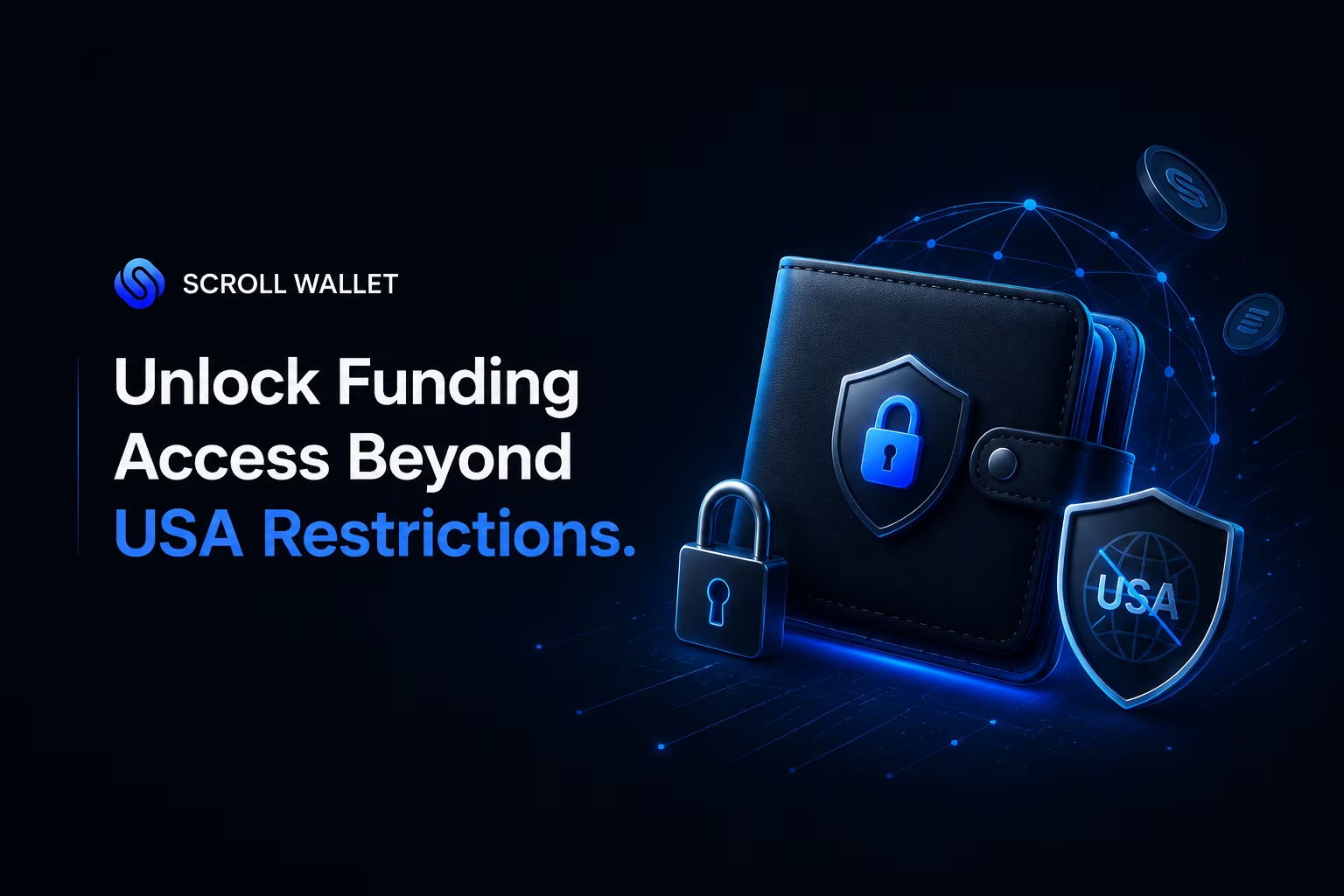
You cannot currently deposit money into KuCoin if you are a resident of the United States due to permanent legal injunctions and strict IP-blocking. While international users follow platform-dependent funding steps involving third-party gateways and KYC, American accounts remain restricted to withdrawals only to comply with federal enforcement actions and the Bank Secrecy Act.
US residents are permanently locked out of KuCoin — identity verification was killed for American accounts on January 23, 2025, and there is no workaround. As confirmed by KuCoin's official announcement, every account tied to a US resident was disabled on that date. Login blocked. US IP addresses cut off at the infrastructure level. If you live in the United States, there is no legal path to fund a new KuCoin account in 2026. Full stop.
KuCoin's identity verification has been mandatory since August 31, 2023 — government-issued documents, face scan, the whole process. That framework was built for global compliance. For US residents, it's now inaccessible by design, not by accident. And reaching for a VPN? That doesn't restore legal access. It raises your exposure. Accounts flagged through proxy detection can be frozen mid-withdrawal, and you lose the one thing that mattered: your funds.
This is exactly what platform dependency looks like in practice. One regulatory decision, and a centralized exchange can lock you out completely — your access gone, your verification status voided, no recourse available. Understanding crypto wallet regulation and how self-custody actually works has moved from "advanced topic" to basic survival knowledge. Scroll Wallet operates on a fundamentally different premise: your access to your assets cannot be revoked by a third party's compliance posture or a regulator's jurisdiction call.
For US readers mapping out their options right now, the picture is clear. KuCoin is not a viable path — the platform's own infrastructure enforces that at the IP and account level, not just in policy text. The durable alternative is a non-custodial setup where you hold the keys, access is not geography-gated, and no centralized KYC wall sits between you and your own money. That's the architecture Scroll Wallet is built around. Direct control. No intermediary. No single point of regulatory failure.
To fund your account on a centralized platform like KuCoin, you must follow a specific sequence to ensure your assets are correctly credited. While we at Scroll Wallet prioritize self-custody, we recognize that many users utilize exchanges as entry points for liquidity. Follow these steps to complete a standard deposit:
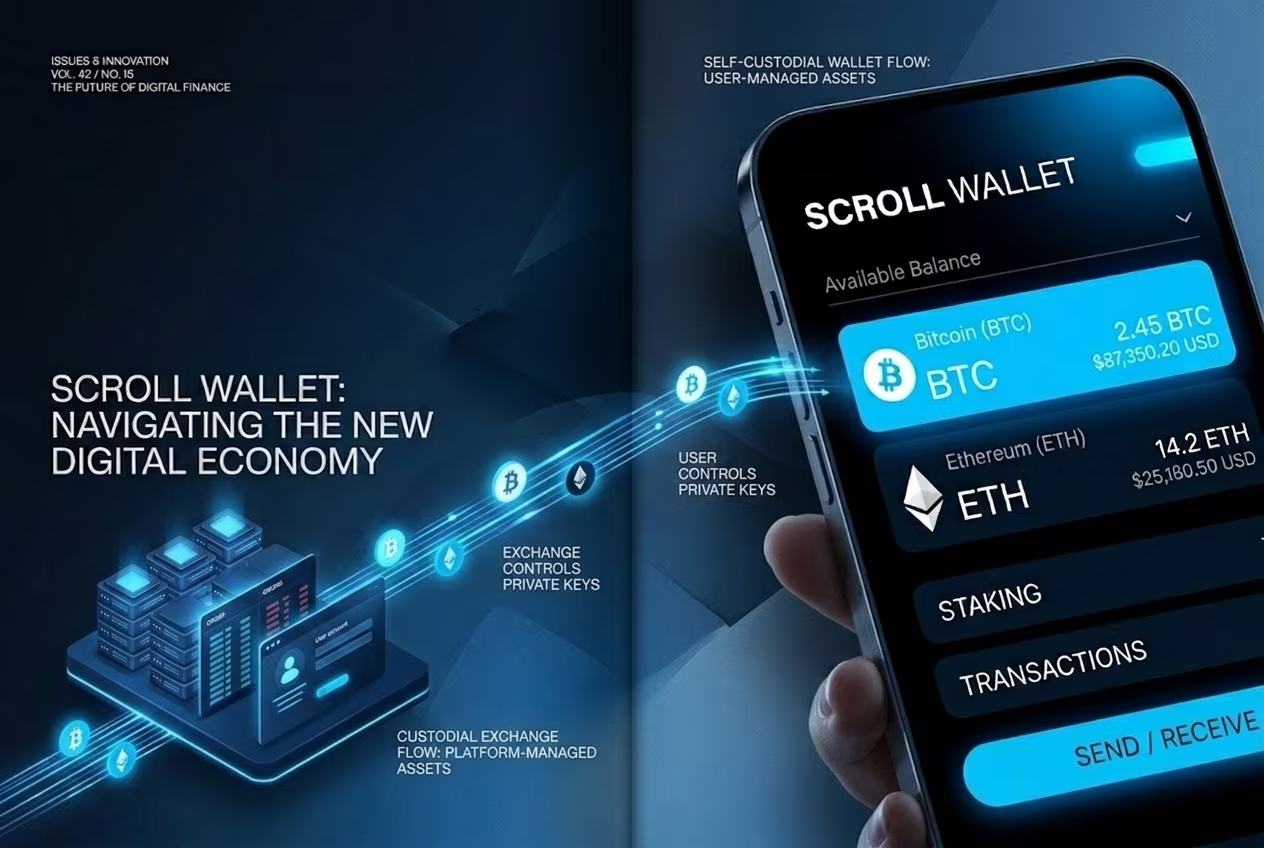
When you fund a KuCoin account, you are moving assets into a centralized environment where the platform maintains custody. Understanding the friction points—such as mandatory KYC, processing delays, and fee structures—is essential for managing your liquidity. While these methods offer a gateway to exchange liquidity, they require you to accept the trade-offs of a custodial vs non-custodial wallet, where the exchange ultimately controls the private keys to your deposit.
| Deposit Method | Fees | Processing Time | Limits & Requirements |
|---|---|---|---|
| Crypto Transfer | 0% (KuCoin side) | Network dependent | Requires KYC; Gas costs apply |
| Bank Card (Visa/MC) | 1.5% – 3% | Instant to 24 hours | $5 – $5,000 per trade; KYC required |
| Bank Wire Transfer | 1% – 3% | Several business days | Region-specific (e.g., AUD); Reference code mandatory |
| Digital Wallets (Apple/Google Pay) | Varies (up to 3%) | Near-instant | Minimum 1 USD/USDT equivalent |
Get your KuCoin deposit address wrong — or pick the wrong network — and your funds are gone. No undo button. No support ticket that brings them back. When you navigate to the deposit section, the platform generates a unique address for each asset and each supported network. That address is not interchangeable. A Bitcoin address is not an Ethereum address, and sending to the wrong one triggers an irreversible loss with exactly zero recovery paths. Always use the copy button. Never type it manually. Then verify the first six and last six characters against what landed in your clipboard.
Network selection is where most people get burned. If you hold USDT on Tron (TRC-20) and select ERC-20 on the receiving end, the transaction broadcasts to the wrong contract environment. Your wallet empties. The blockchain confirms. KuCoin receives nothing it can credit to your account. With over 40 active networks supported across major platforms in 2026, this fragmentation makes network selection the single highest-risk step in any deposit flow — not the amount, not the fee, not the timing. The network. Check the name, check the token standard, check the estimated fee before you touch confirm.
Certain assets add another layer of risk. XRP, XLM, EOS, and several BEP-2 tokens require a memo or destination tag alongside the wallet address. The address routes funds to a shared pool wallet; the memo tells the exchange which account inside that pool actually owns them. Miss the memo and the transaction doesn't fail — it completes silently, lands in the exchange's hot wallet, and sits there unattributed. Recovery depends entirely on a support team working through logs manually. That can take weeks. This is the structural problem that self-custody solves directly: with Scroll Wallet, the address belongs to you alone. No memo required. No shared pool. No dependency on anyone else to locate your funds. For a broader look at how crypto transfer network mismatch errors happen across platforms, the mechanics are consistent regardless of which exchange you use.
Before you confirm any deposit, run this three-point check:
If the platform auto-populates the network, don't assume it picked the right one for your situation. Verify manually. Scroll Wallet's deposit and transfer interface was built around this exact failure mode: the network choice is always explicit, the address is always account-specific, and nothing critical hides behind a default setting you have to hunt down and override.
The second you deposit funds into a centralized exchange, you hand over ownership of those assets — and that transfer is the entire problem with platform custody. Your transaction confirms. The exchange holds the private keys. You hold a number on a screen. Not crypto. A balance. That gap between what you think you own and what you actually control is something most users never think about at deposit time — because deposit time feels easy, instant, and clean.
Platform control means the exchange writes the rules. Withdrawals get delayed, suspended, or locked down based on compliance sweeps, system failures, or policy shifts you never voted on. As Finder points out in its analysis of custody dependency and platform friction, users on centralized exchanges only discover withdrawal restrictions when they actually try to leave — not when they arrive. By then? The friction was always there. You just couldn't see it yet.
This is exactly why wallet architecture matters before your first deposit, not after the fact. A self-custody wallet keeps private keys in your hands — which means no third party can freeze your funds, throttle a withdrawal, or rewrite access rules based on their internal pressures. Scroll Wallet was built around this from day one: your keys stay with you, every transaction executes on-chain, and no platform intermediary sits between you and your money. That is not a feature. That is a fundamentally different model of ownership.
By 2026, platform custody risks stopped being theoretical. Exchange account control turned into a single point of failure across multiple market events — liquidity crises, regulatory freezes, sudden access lockouts. Users who understood the custody model before depositing had options. Those who didn't found out the hard way, at the worst possible moment. Scroll Wallet removes that dependency entirely — direct on-chain control, from your very first transaction, no platform standing between you and what's yours.
When you deposit assets into a centralized exchange like KuCoin, you are essentially lending your capital to a platform that manages it on your behalf. In contrast, using Scroll Wallet ensures you maintain absolute ownership through self-custody. Understanding the fundamental custodial vs non-custodial wallet architecture is essential for managing operational risks and ensuring 24/7 access to your funds.
| Feature | KuCoin (Custodial) | Scroll Wallet (Self-Custody) |
|---|---|---|
| Key Ownership | Platform controlled | User-owned private keys |
| Asset Control | Subject to freezes | No intermediaries |
| Onboarding | KYC & verification delays | Instant via seed phrase |
| Withdrawal Access | Exchange dependent | Direct on-chain access |
| Operational Risk | Platform hacks/insolvency | Personal security responsibility |
KuCoin charges zero platform fees on crypto deposits — but the actual cost of getting funds in depends entirely on which network you pick and how you move the money. Send crypto straight to your KuCoin address and the exchange takes nothing. The blockchain, however, always takes its cut before your transaction even confirms. That cost shifts with the chain and congestion level. Choosing TRC-20 for USDT over ERC-20 isn't a minor detail — it's the difference between a negligible fee and a genuinely annoying one.
Fiat funding is a completely different animal. According to the KuCoin Official Blog, crypto deposits are free at the platform level, while fiat deposits routed through third-party providers like Banxa or Simplex carry fees anywhere from 3% to 12% — depending on the provider, your payment method, and where you live. That range is brutal in practice. A 12% fee on a $500 card purchase means $60 gone before you place a single trade. Spot trading runs at a 0.1% base rate for both maker and taker, dropping 20% if you hold KCS tokens or hit VIP tier status.
On deposit timing: crypto confirms as fast as the underlying blockchain allows. Bitcoin typically needs 1–3 network confirmations — anywhere from 10 minutes to well over an hour when the network gets congested. Ethereum usually moves faster, but ERC-20 gas spikes can stall a transaction before it even reaches the mempool. Fiat deposits through third-party providers? No fixed timeline at all. Minutes or several business days, depending on the provider's verification process and your payment method. KuCoin sets no minimum deposit amount at the platform level, though some fiat providers enforce their own floors. That's the dependency in action — you're not just on KuCoin's schedule, you're on everyone else's too.
Withdrawal fees stack on top of everything else. Bitcoin withdrawals cost 0.0005–0.0006 BTC. Ethereum withdrawals run 0.004 ETH. Tether withdrawals range from 1 to 10 USDT depending on the network. Cardano withdrawals cost 1 ADA. Fixed platform fees, layered over any network costs. Every withdrawal is a reminder that a centralized platform sits between you and your assets. Scroll Wallet cuts that layer out entirely — direct on-chain control, no custodial intermediary, no platform withdrawal fees, no waiting on a third party's processing queue. You move assets on your terms, not theirs.
A deposit stuck on KuCoin almost always comes down to five root causes: not enough blockchain confirmations, a wrong network, a missing memo, a maintenance window, or a compliance hold — and knowing which one you're dealing with cuts straight to the fix. No support ticket needed if you read this first.
Confirmation count trips up more users than anything else. Every blockchain demands a minimum number of confirmed blocks before KuCoin touches your balance. Bitcoin needs 2. Ethereum needs 12. Some networks want considerably more. When the chain is congested, those blocks crawl — so that pending deposit may have nothing to do with KuCoin at all. Pull up your transaction hash on the relevant block explorer. Confirmed on-chain but still not credited? Then the problem lives somewhere else entirely.
Network mismatch is where money actually disappears into the void. Send USDT over TRC-20 to a KuCoin ERC-20 address and those funds are gone from your perspective — technically transmitted, completely invisible to the receiving configuration. This is the structural weakness of centralized exchange deposit flows: one address, one network, zero tolerance for deviation. The same logic destroys memo-dependent transfers. XRP, XLM, EOS — send to the pool address without the correct memo and your funds land in a black hole. The exchange receives them. Your account never sees them. Scroll Wallet sidesteps this entirely because your address is genuinely yours, not a shared pool requiring an identifier to sort your funds from everyone else's. Direct on-chain ownership means memo-dependent routing simply does not exist as a failure mode.
Then there are the operational delays — quieter, but just as frustrating. KuCoin suspends deposit processing for specific assets during system upgrades. Funds sent during those windows get queued, not rejected. You won't always get a notification. Compliance reviews are worse: triggered by transaction size, flagged source wallets, or jurisdictional rules, they can freeze funds for 24 to 72 hours or longer with zero automatic alert. Your deposit cleared every technical check and still sits pending? A compliance hold is almost certainly the answer. Either way, resolution requires one thing: contacting support with your transaction hash, deposit address, network, and timestamp all ready to go. Gather that information before you ever initiate a transfer. It won't prevent delays — but it will end them faster.
Before reaching out to technical support regarding a missing deposit, we recommend performing a systematic audit of your transaction. In the decentralized environment of 2026, most delays are caused by network congestion or configuration errors rather than system failures.
Self-custody hands you direct, unmediated control over your assets — no intermediary holds your funds, no platform policy can freeze your balance, and nothing stands between you and your money except the network itself. You initiate a transaction, it hits the chain, and settlement follows the blockchain's own timeline. Not a company's internal processing schedule. Not a withdrawal queue. The chain. This is the fundamental gap between parking assets on a third-party platform and running them through a self-custody solution like Scroll Wallet.
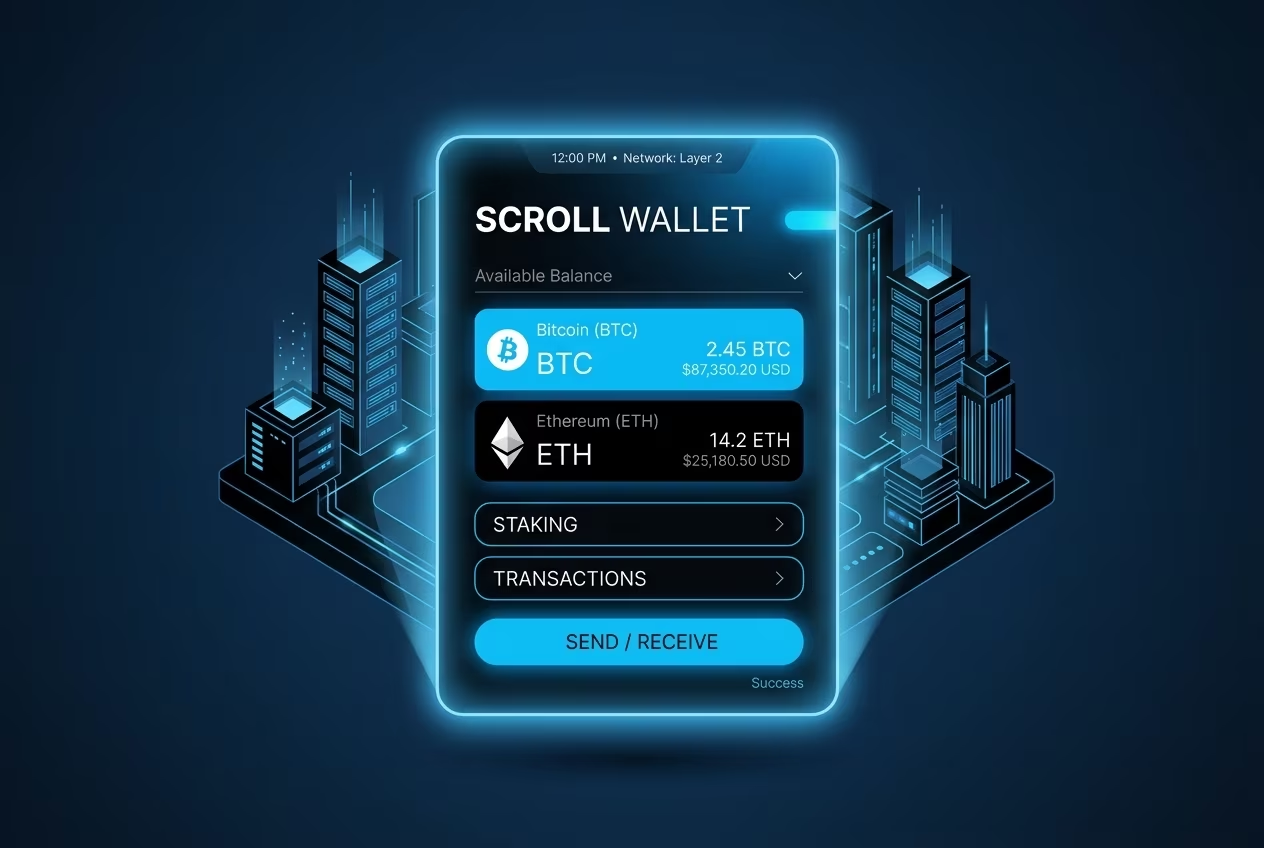
The practical weight of this model is hard to overstate. With a Scroll Wallet setup, you interact with Scroll's Layer 2 infrastructure directly — your address is yours the moment you generate it, every on-chain action is signed locally by your private key, and the attack surface shrinks to exactly what you control: your seed phrase, your device, your signing behavior. No account approval process. No identity verification gate blocking fund movement. No dependency on a platform's liquidity position. The risk profile shifts from institutional counterparty exposure to personal operational security — which is a real trade-off, not a marketing promise.
And that trade-off bites hard if you're not ready for it. Lose your seed phrase? No support team recovers your wallet. Sign a malicious transaction? No compliance department reverses it. In 2026, with phishing kits specifically targeting L2 users and wallet-draining scripts buried inside fake dApp frontends, the operational discipline required for self-custody is sharper than ever. Scroll Wallet was built with this threat landscape in mind: transaction previews show you exactly what a contract will execute before you confirm, and address verification is wired directly into the signing flow to eliminate blind-signing errors. These aren't cosmetic features. They're direct responses to documented, real-world exploit patterns.
For users migrating away from centralized platforms — where someone else managed custody, liquidity, and access — the shift to direct wallet control demands a deliberate setup process. You need to understand how to fund a Scroll L2 address, how bridging from Ethereum mainnet actually works, and how gas costs behave on the network. The Scroll Wallet setup flow walks you through each of these steps without assuming any prior L2 experience. What you get at the end is a funding flow you own completely — one where access speed depends on network conditions, not on a platform's internal state, and where your assets stay under your control at every single step.
Funding a KuCoin account works — until it doesn't, and the moment it stops working, the decision is never yours to make. Every deposit you push through KuCoin runs on KuCoin's infrastructure. The platform controls your access, your withdrawal limits, your account status. Policy shifts, regional restrictions, a compliance flag on your profile — any of these can interrupt your funds without a single input from you.
For US-based users, the friction goes well beyond inconvenience. Enforcement actions and regulatory settlements have carved out hard access restrictions for American users, as documented by Lowenstein Sandler. The result? Relying on a centralized exchange under US financial law means accepting that your ability to move money can be cut off at any point — not by your own choice, but by a compliance team operating on rules you never agreed to.
That dependency is structural. And self-custody wallet architecture breaks it entirely. With Scroll Wallet, you hold your private keys. Full stop. No intermediary can freeze your balance. No verification queue stands between you and your own assets. On L2 networks like Scroll — where real transaction volume is moving right now — direct wallet control means you interact with on-chain assets on your terms, not on a schedule handed down by an exchange's legal department.
If you're in a supported region and just need to trade on a centralized platform, KuCoin's onboarding process gets the job done. But if you want something more durable — the ability to move assets across chains, plug into DeFi protocols, and stay in control regardless of what any platform decides next Tuesday — that requires a different foundation entirely. Scroll Wallet is built for exactly that: clean UX, verifiable infrastructure, and zero dependency on a third party's operational mood.